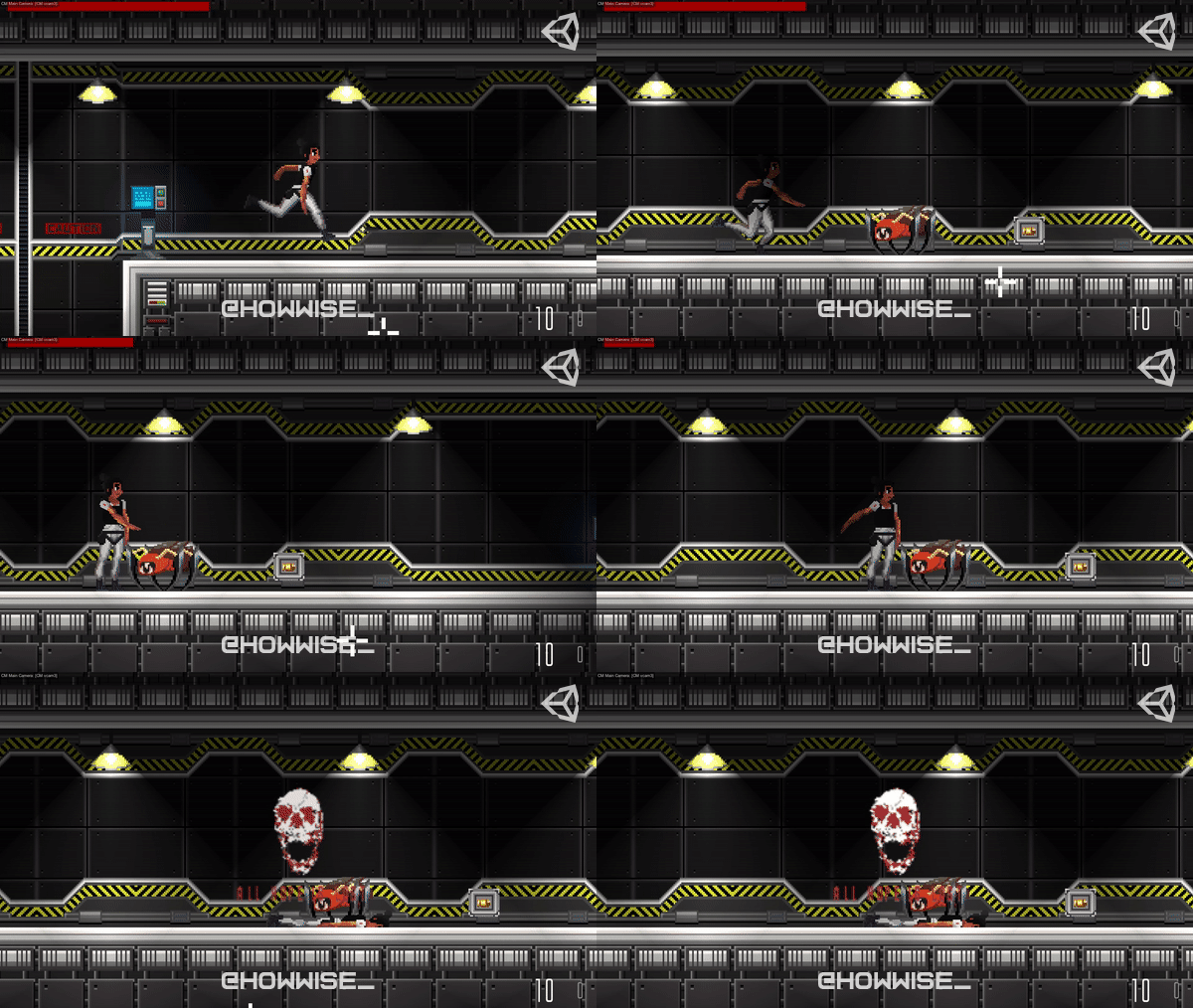
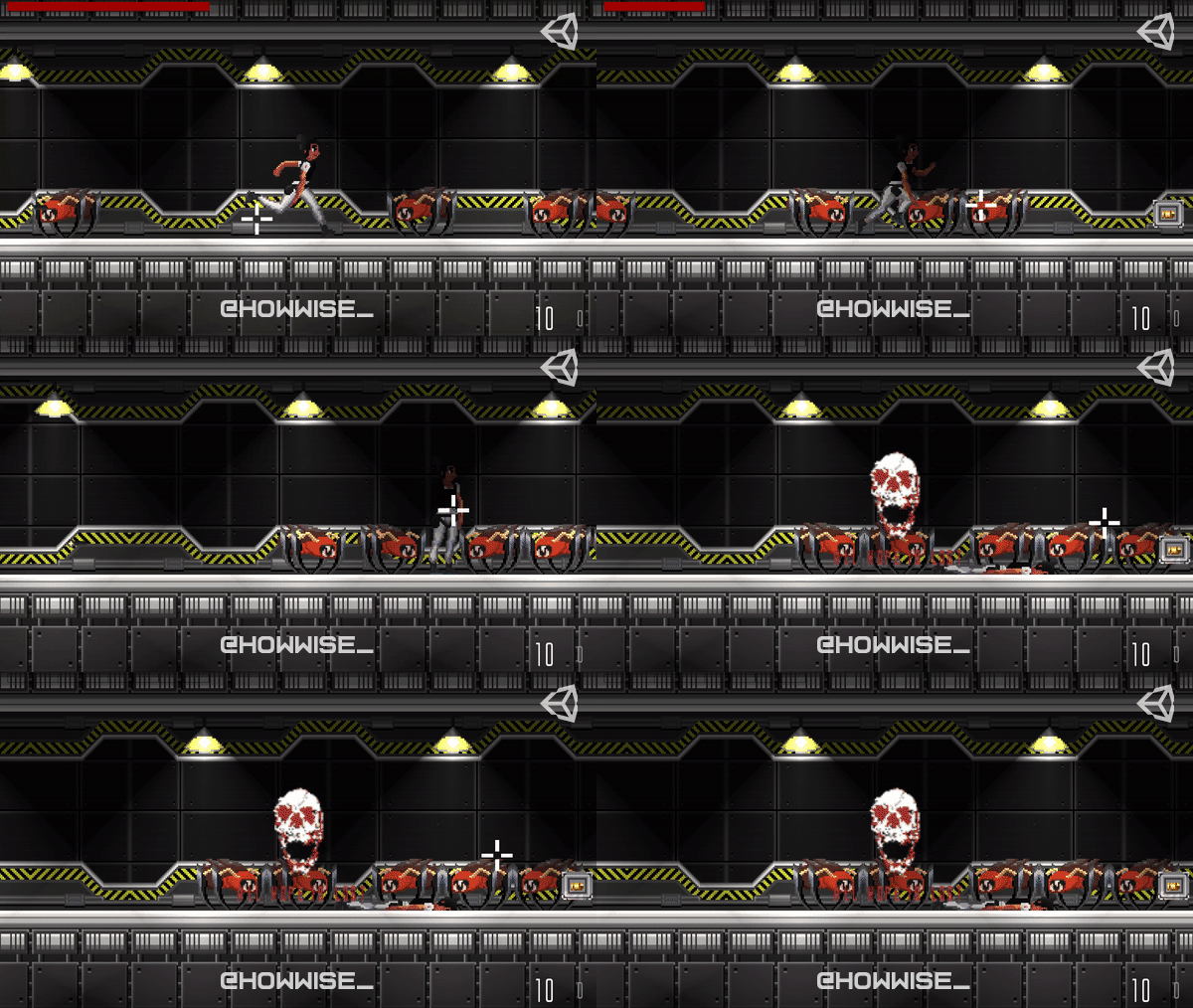
In an earlier post, I mentioned that I would make a longer post that goes through the entire timeline of me creating the main character run cycle animation. So I went ahead and gathered up all of the resources and screenshot to make some sort of a postmortem. This was really the first time I have made animation like this, so I wanted to talk about my journey and highlight the things I learned. So here we go...
Firstly I was advised by a friend to look at other 2D game animations and cartoons to get an idea of what I want to create and learn for them. He says that the best way to make good animation or just art is to learn for what's already out there. So I analyzed other 2D games art and watched videos about keyframes and poses. I also watched time-lapse videos of artists creating animations to get a better understanding of the process.
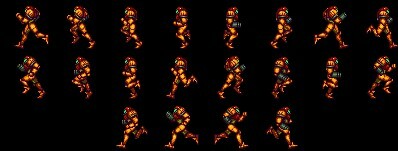
I used one of my favorites sprites from super Metroid as a reference. This is one of my favorite animations and is widely known as a great animation.
One of the videos I watched was a great video on the importance of keyframes by a youtube channel called video game animation study. They cover gaming animation topics and often analyze animation styles and practices from popular studios. So if you haven't heard of them I really recommend their channel.
Click here to visit their channel
Also if wanted to see the video I mentioned check it out here:
https://www.youtube.com/watch?v=fJosaT1sCfs&t
New Frame Plus is also a good one. I watched a lot them while researching.
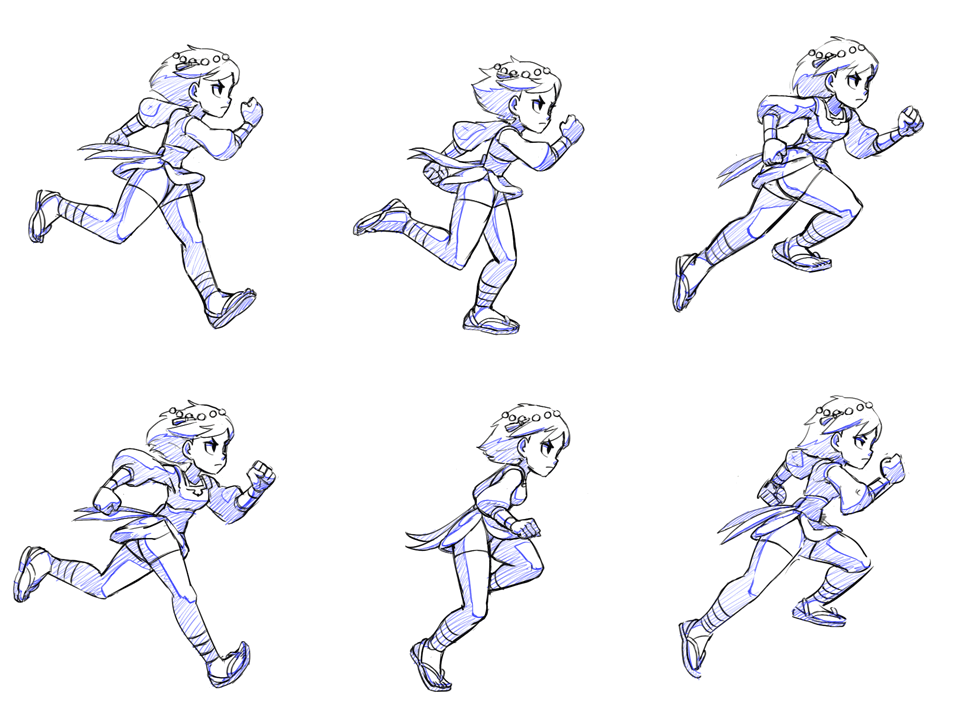
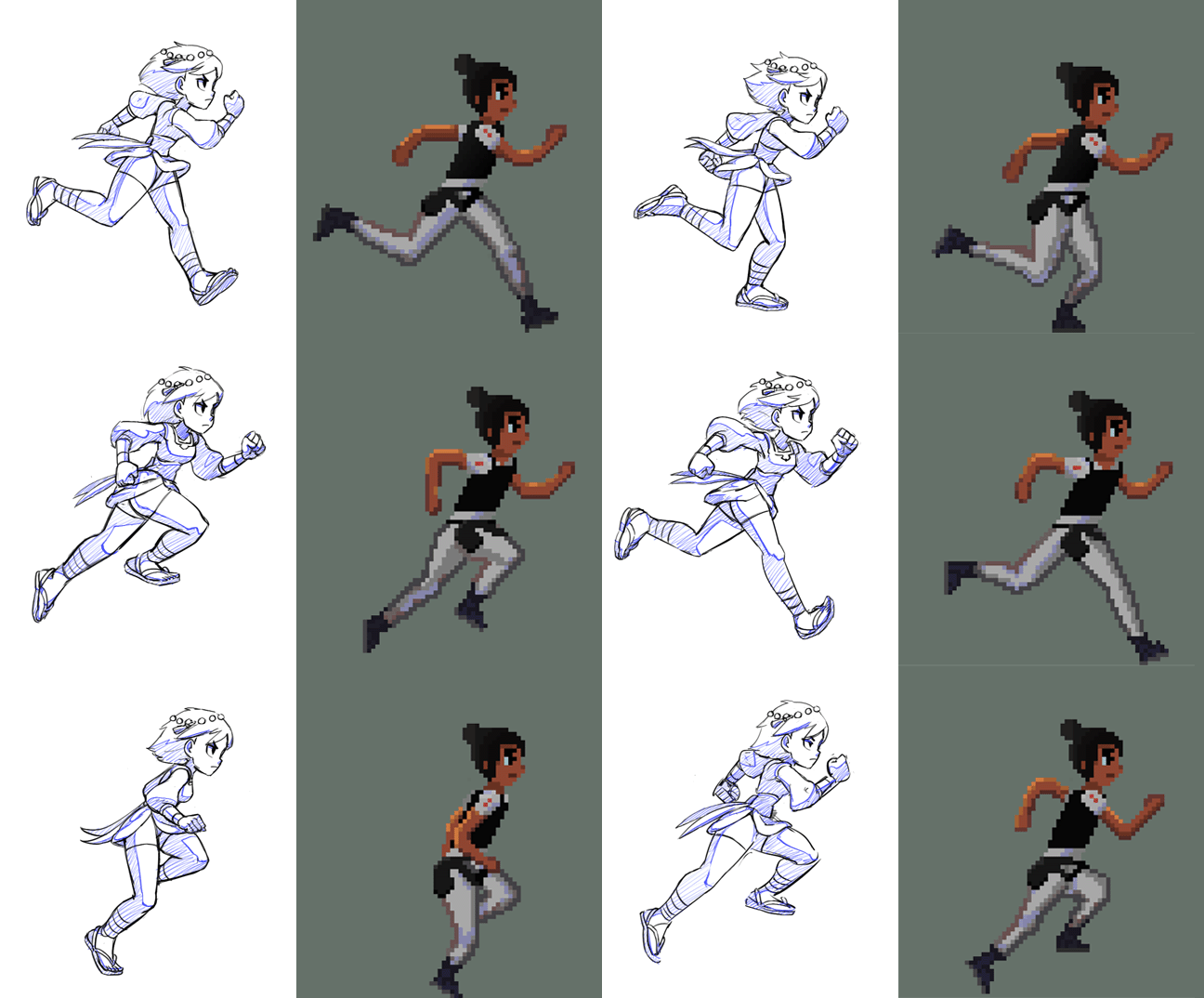
So after doing research and planning out what I was going to work on, I selected a reference that I was going to use for the animation. I was recommended to use the excellent run cycle animation from the main character in the indivisible game. This game is known to have stellar visuals and great animations full of life and expression, so It was a great choice. The art is also hand draw as well, so it fits my style of freestyle / from scratch
This is the exact reference I used to make the animation. Its an 8 frame run cycle. I really like this one because of the defined poses.
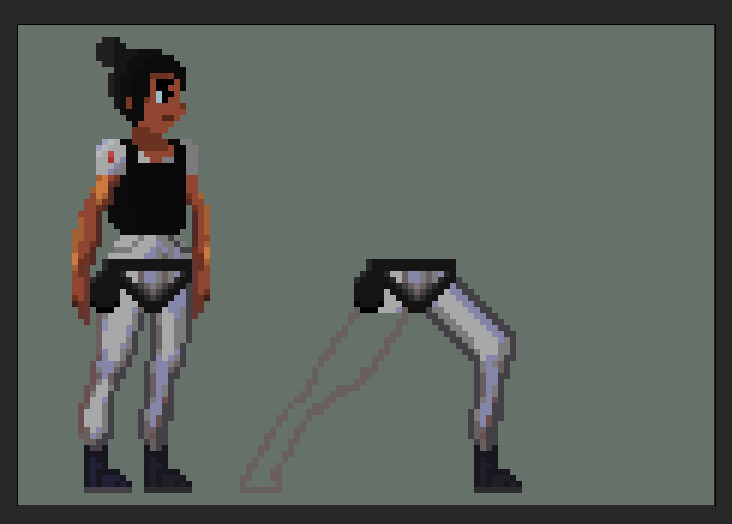
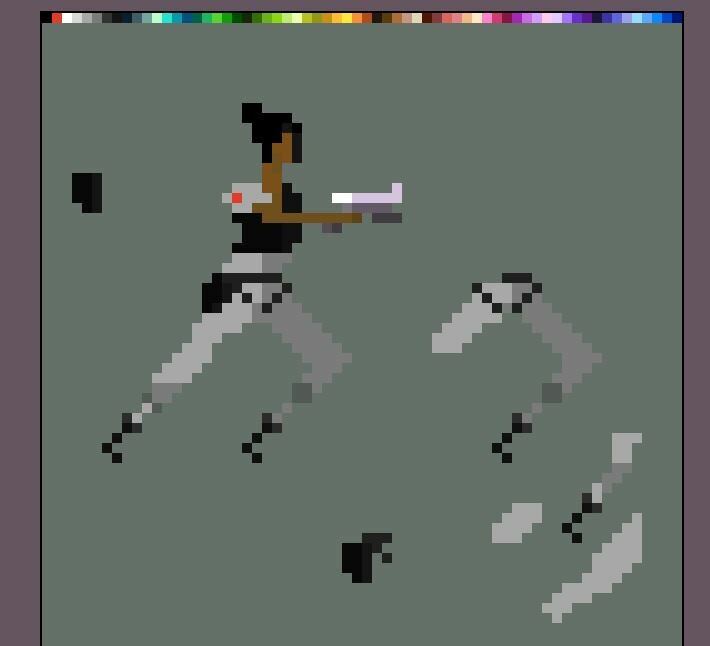
I started making this before with the old design of Atlas. This a very rough version of the first frames of that
I first started work on the legs for the animation. I don't really know I started to like this, but I found this easier to start small and add things later on as I go. The main goal was to create an outline of the animation from scratch, then add details like shading, then finalize everything with minor adjustments and feedback I get. So basic animation > Details > polish and correction.
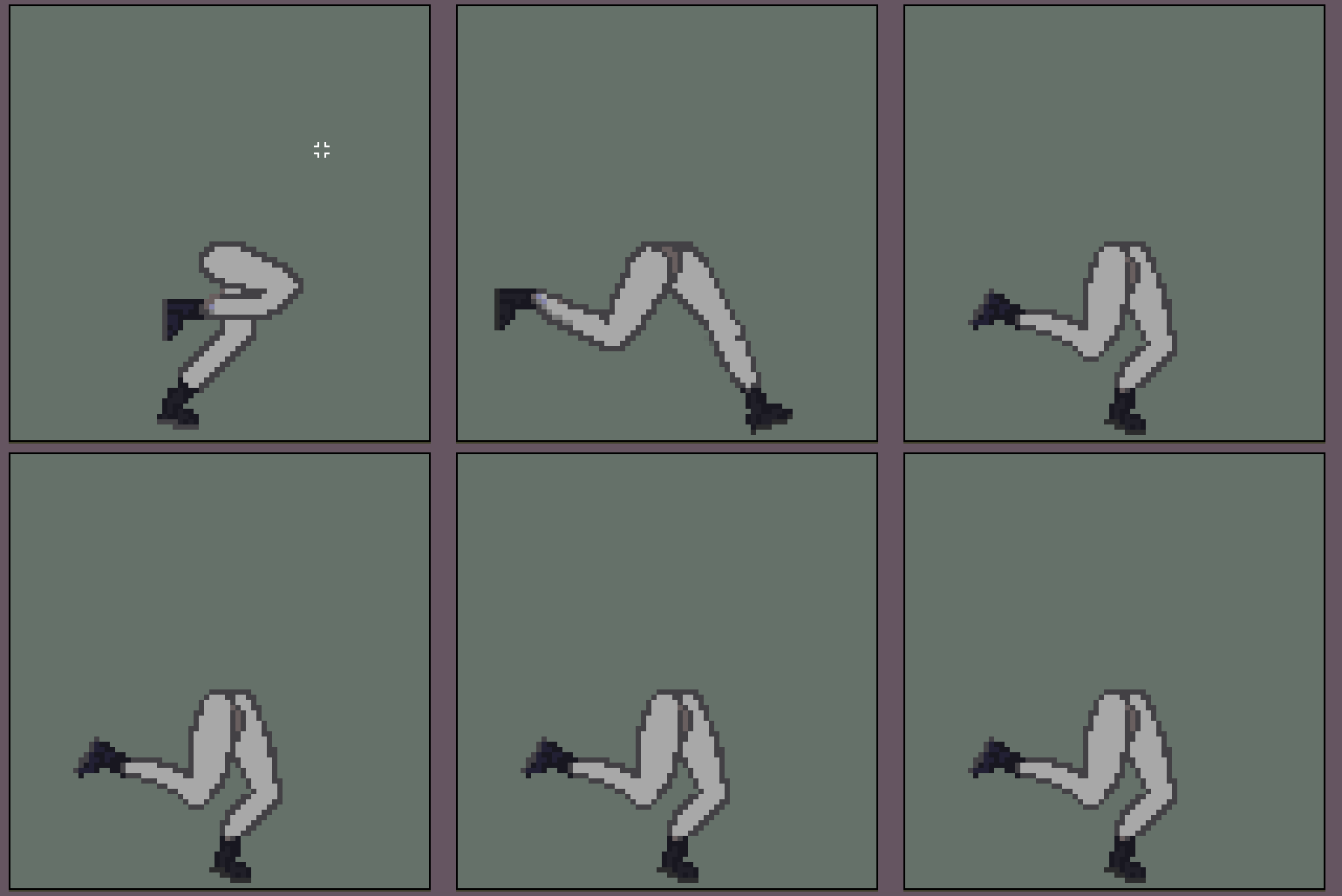
This is the first draft of the run animation. This is only the first few frames of the animation so It looks a bit off for that reason.
This is the second draft of the run animation. This is still a few only a few frames of the animation, but you can start to see it get a bit more smooth. Well smoother at the very least lol
This is the third draft of the run animation. Its almost done but It needs just a little bit more until it was done. I did have the overall idea though
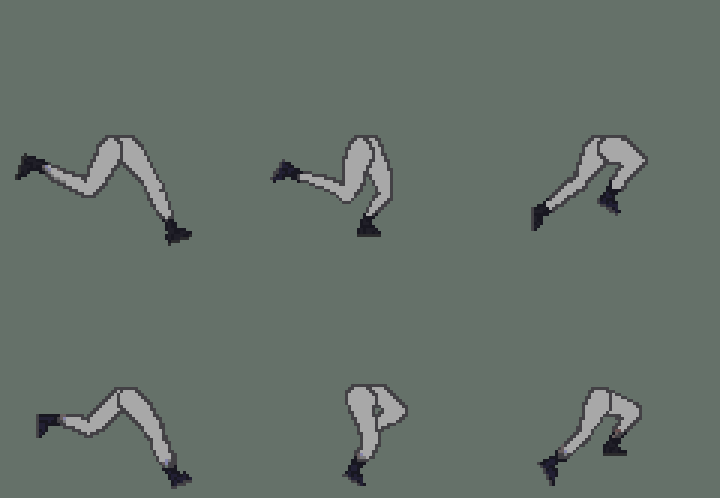
This is the complete first version with all 8 frames. It has some issues with timing and positioning, but the overall outline is there and that was my main goal.
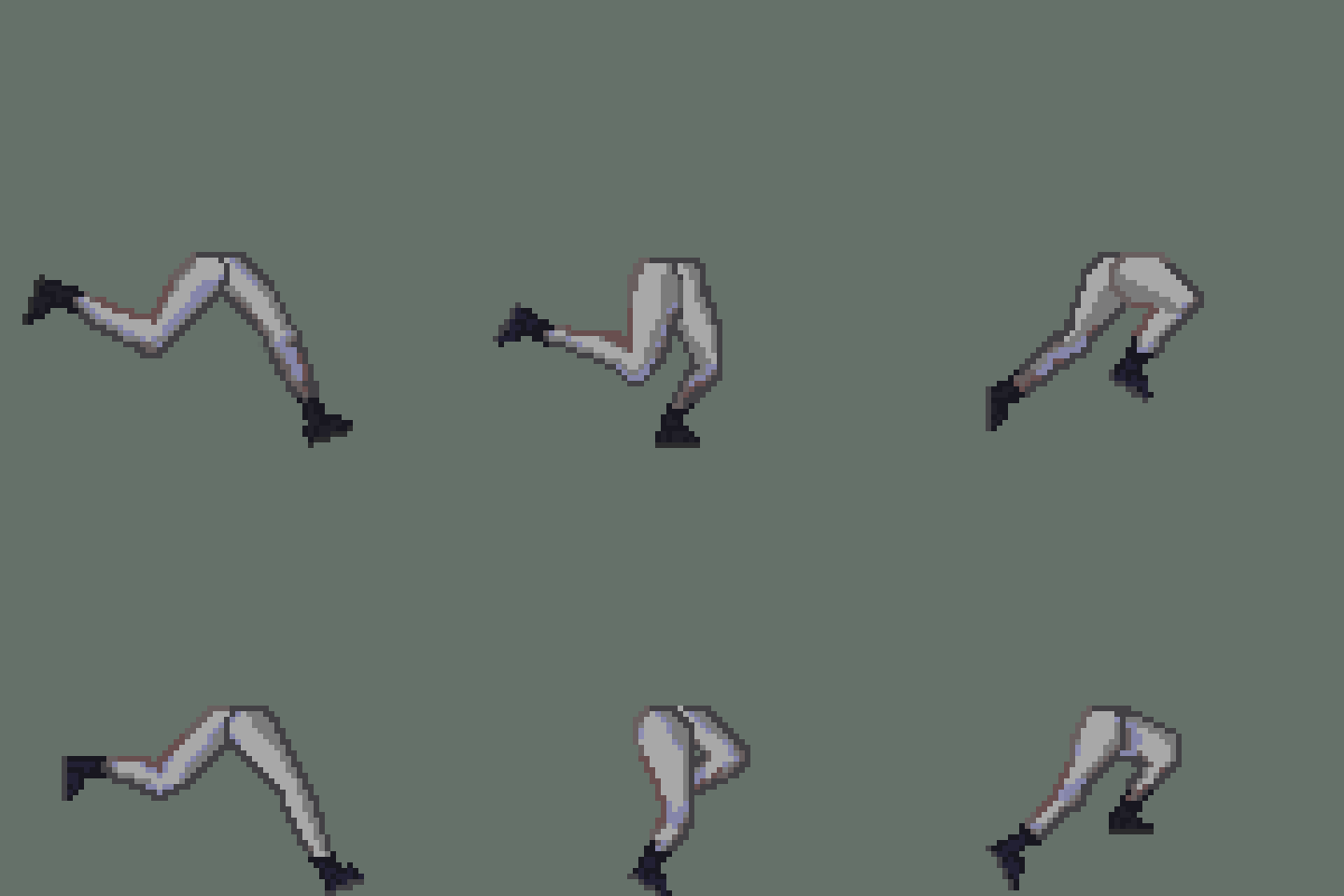
After I finished the draft of the animation, I corrected the issues I had with the animation and started working shading and the top half. First I had to figure out where the light source was coming from and what colors I wanted to use. Then for the torso, my plan waws to draw the body poses completely from scratch 😅
After completely shading and correcting the mistakes on the legs I finally finished the bottom half of the animation. While Shading I made the animation accurately match the legs of Atlas. These legs probably have like 20 different versions, but I only showed the early and final to save time. Also because I didn't document them 😅
Next was the torso and as I said earlier, I was going to create the animation from my memory of what A human should like while running. It didn't go well... But I learned the importance of feedback and the importance of multiple references.
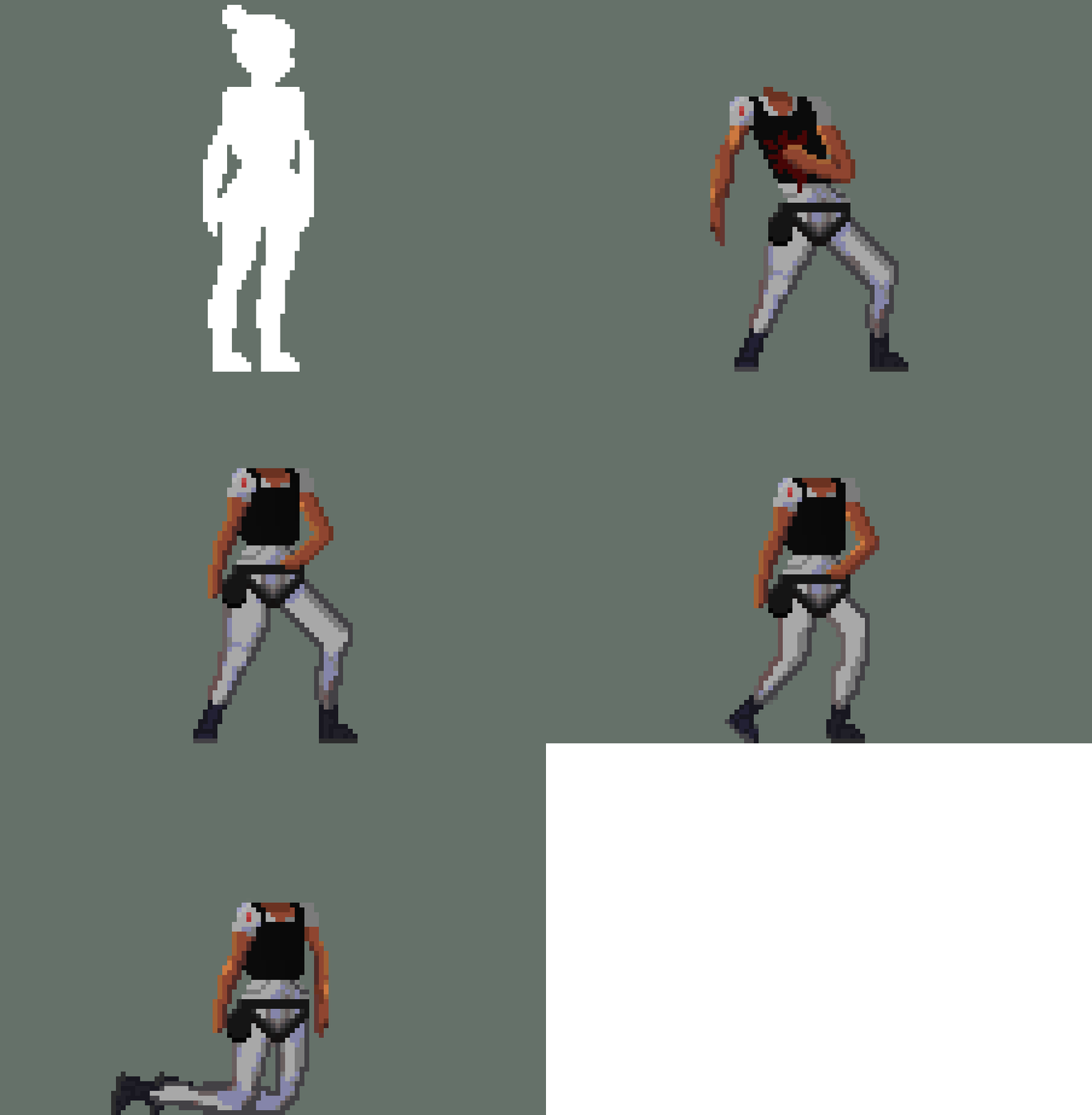
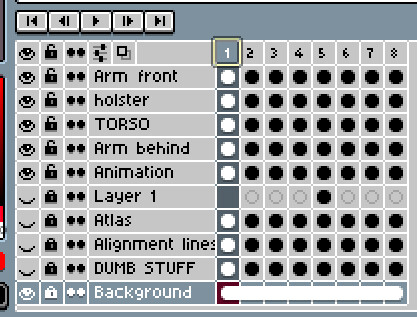
This was the first frame I created with the torso and legs combined. I separated the body parts on different layers for convenience and started working on the arms. As you can see this doesn't look very good.
Then I added the second arm and filled in the torso correctly. This still looked off but at the time I had worked on the animation for so long that I decided to just move on figure out what was wrong with it later. The issue with this is the perspective and positioning is incorrect. Her legs are facing straight ahead while her torso is facing me / the camera. The positioning is incorrect because the arms and torso are twisted and positioned in an unnatural manner.
I later fixed this by matching the upper bodies perspective with legs perspective and aligned and corrected the arms
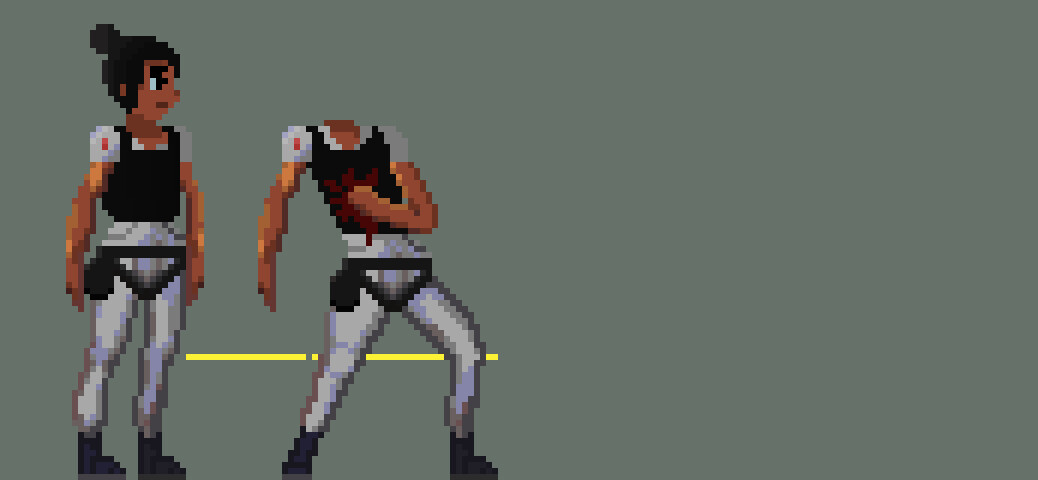
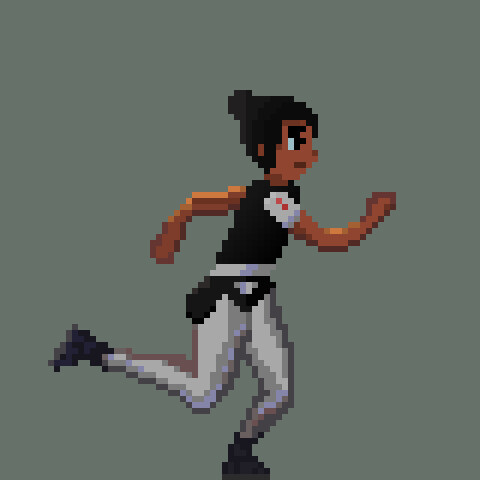
This is the first version of the second frame. This is almost correct, but it has some fundamental issues. Her posture is crooked and lazy and perspective isn't exactly right. Her arm placement also makes no sense.
This was also corrected later and made more accurate. This could maybe still use some adjustments as well.
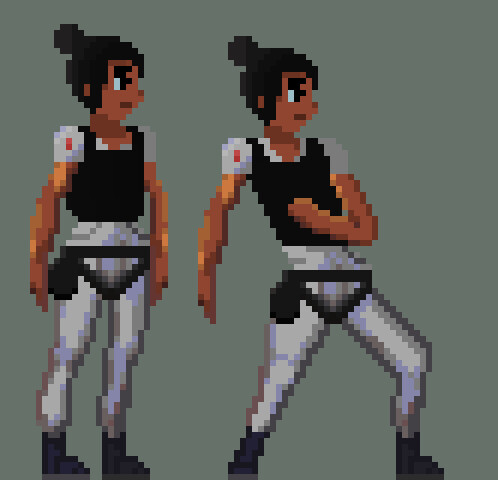
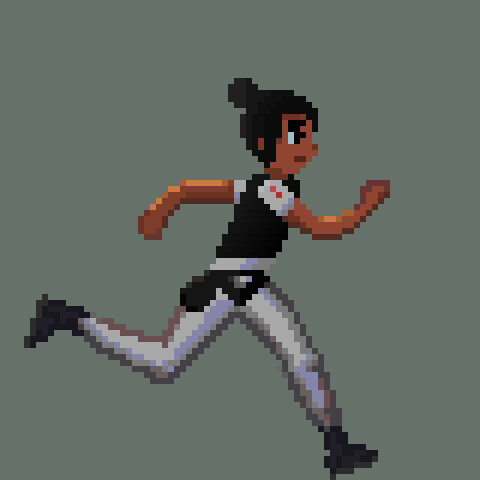
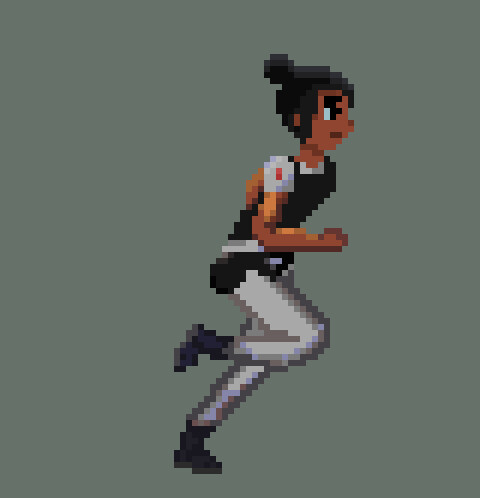
The last frame I wanted to cover was the 3 frame. This is the one I made right as I was getting the hang of it. It still has it fair share of problems, but it has almost usable right away.
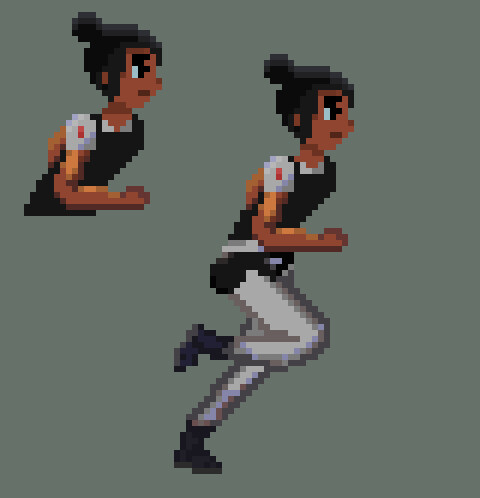
The main issue was the posture and arm positioning. In this image, you can see that I was working on fixing the posture, but she was still overextended.
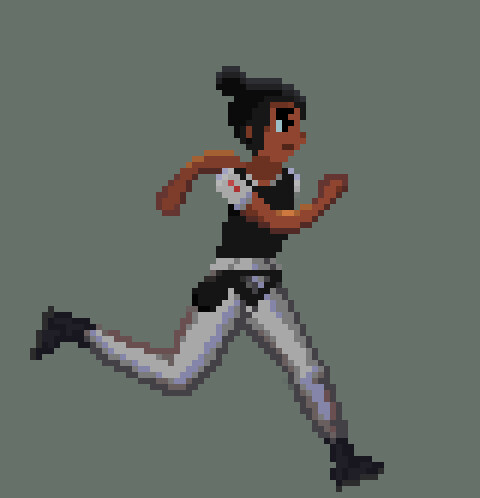
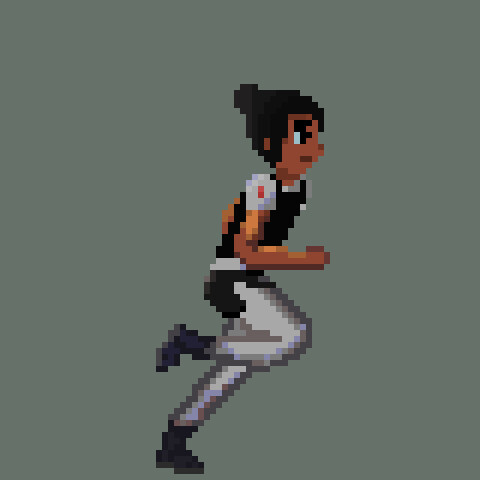
Of course, I managed to fix this as well and correct the arms with it. I think that it turned out fine. The holster was also fixed as well
After continuing to learning get knowledge from resources, friends, and just figuring it out. I was able to just continue to create the sprites from that knowledge. So after a few hiccups, it was smooth sailing :)
I don't plan on going through each frame, but I just wanted to showcase the development and progress I made while creating this animation. I still have a lot to learn, but I am slowly getting there. I had a lot of fun while working on this and I can't wait to continue to make more animations and improve my skills.
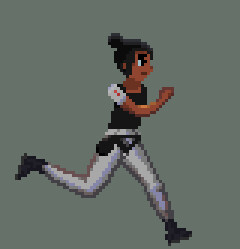
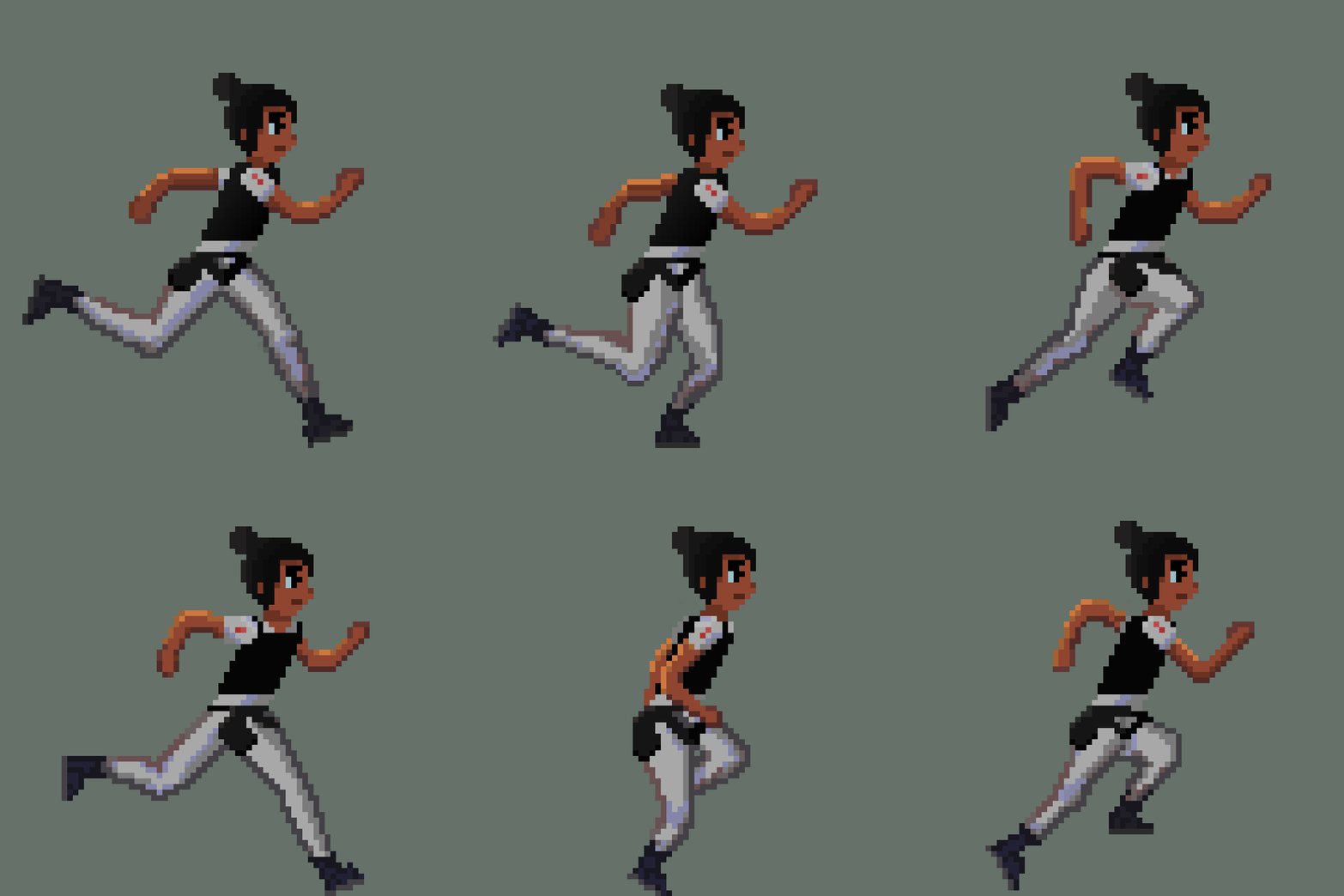
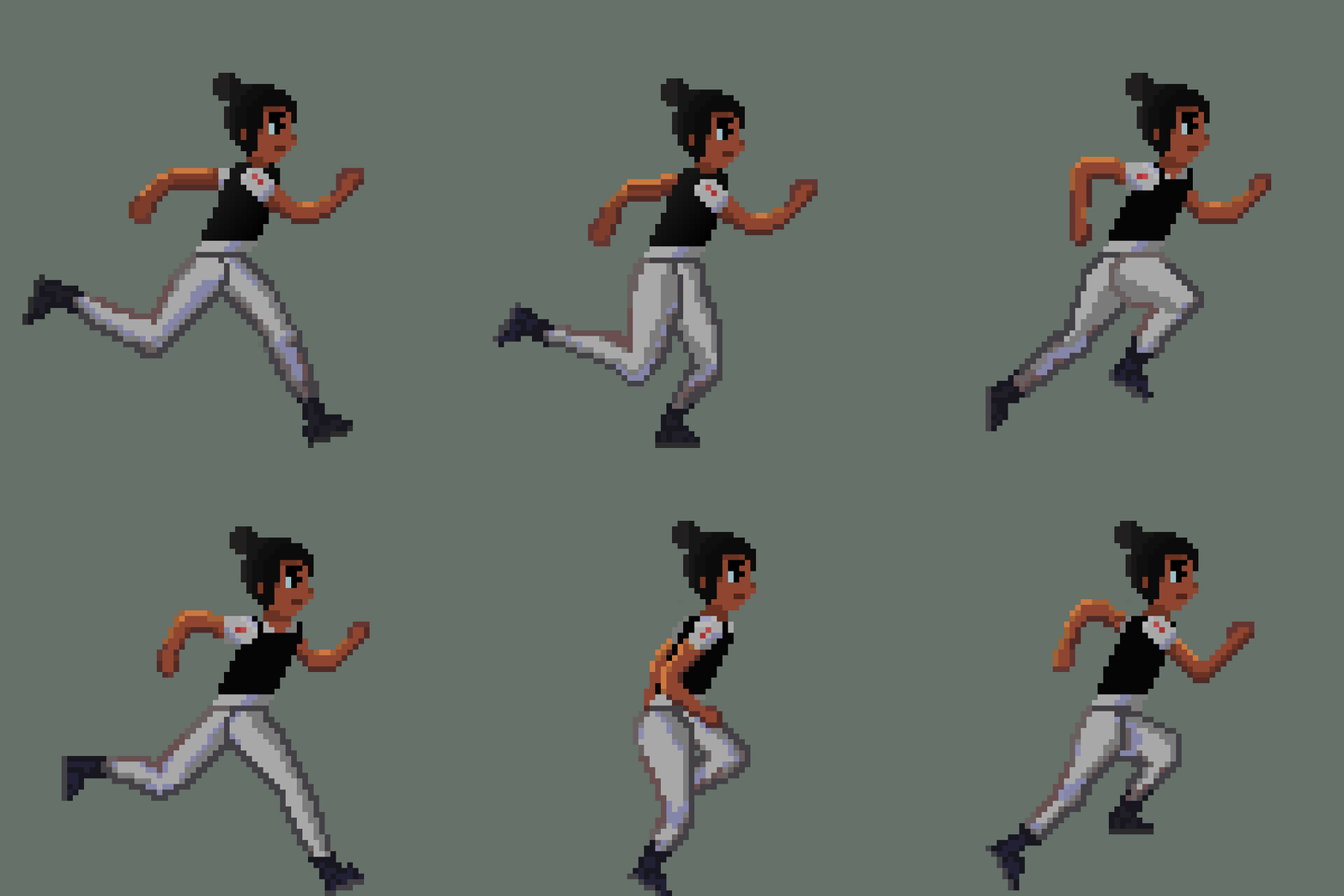
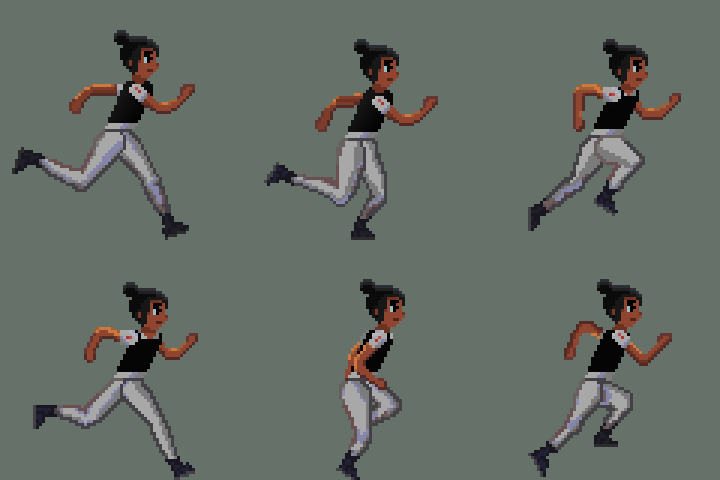
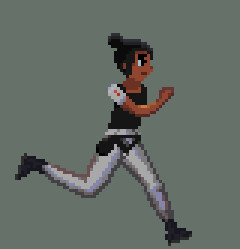
Here is the final version :)
Side by side comparison (Atlas animation is matching the speed of the indivisible one, which is faster)
If you have read this far, you're awesome and I appreciate it. Please comment on feedback if you have any or tell me what you enjoyed about the post. I am constantly trying to improve so anything is great. Next, I plan to make a shorter post about implementing the animation into unity and challenges that will bring so be on the lookout for that!
Thanks for reading!
-Howard


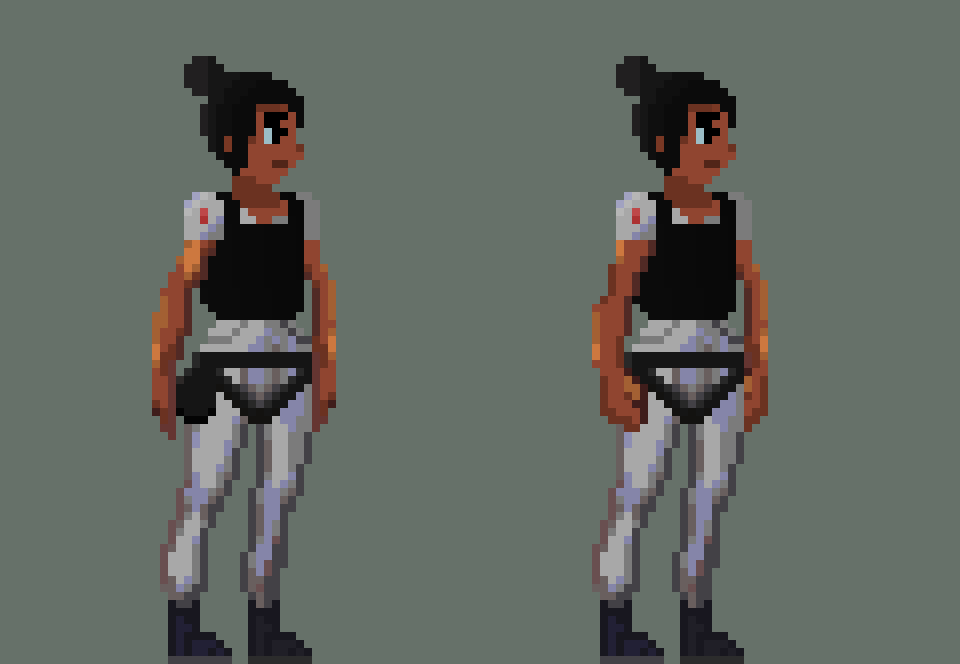
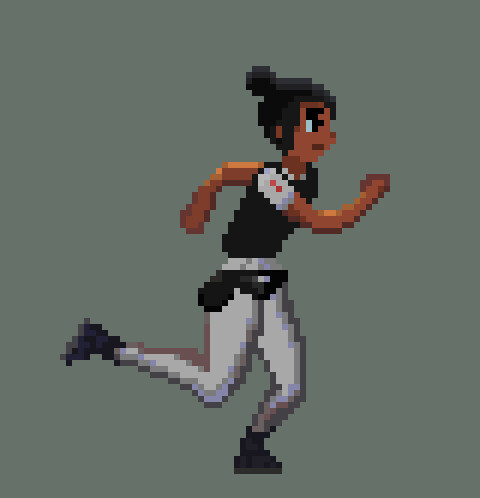
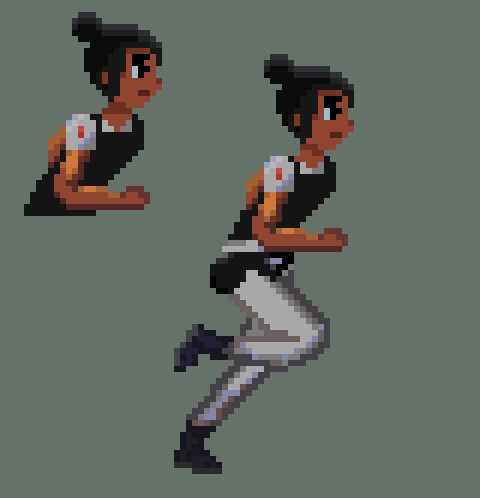
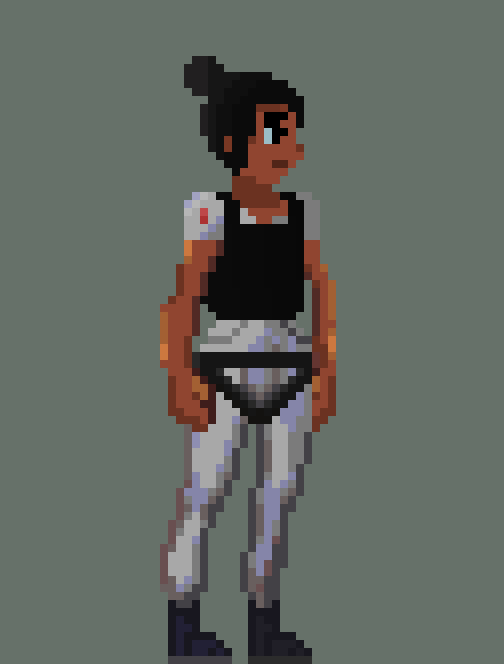 The new version of Atlas. Only the hands were changed