Update / New assets [Metroidvania Project]

General / 08 October 2020

Project SL Update


It's been a while since I last posted, but I just wanted to make an update to say I am still working on the game. Progress has been slow but I have still made progress on key features of the game. The first being a simple redesign of Atlas:
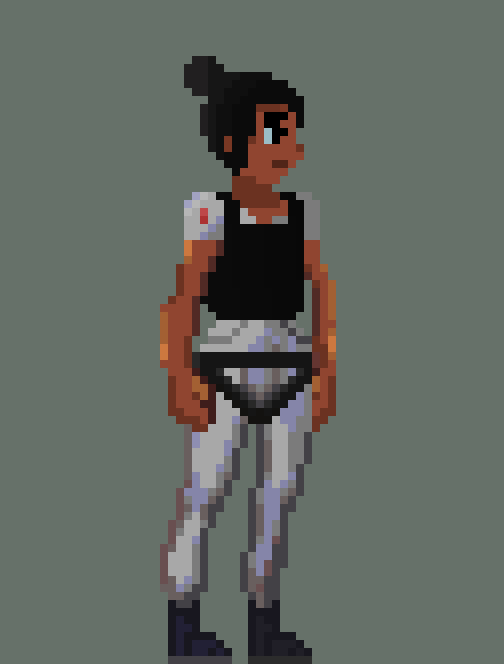
  

The new version of Atlas. Only the hands were changed


This time around I gave more details to the hands to make it looks more realistic. The old version didn't resemble a natural hand:
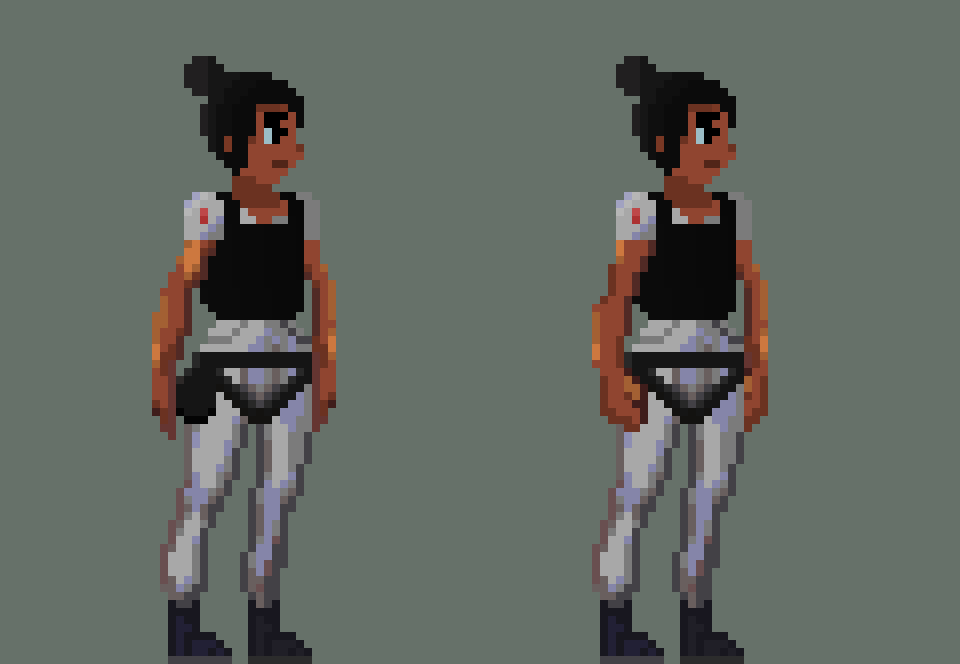

Old the left. New on the right


The next major thing I added was The first NPC. A scientist named brian with fully functioning dialogue:


Brian Final Version


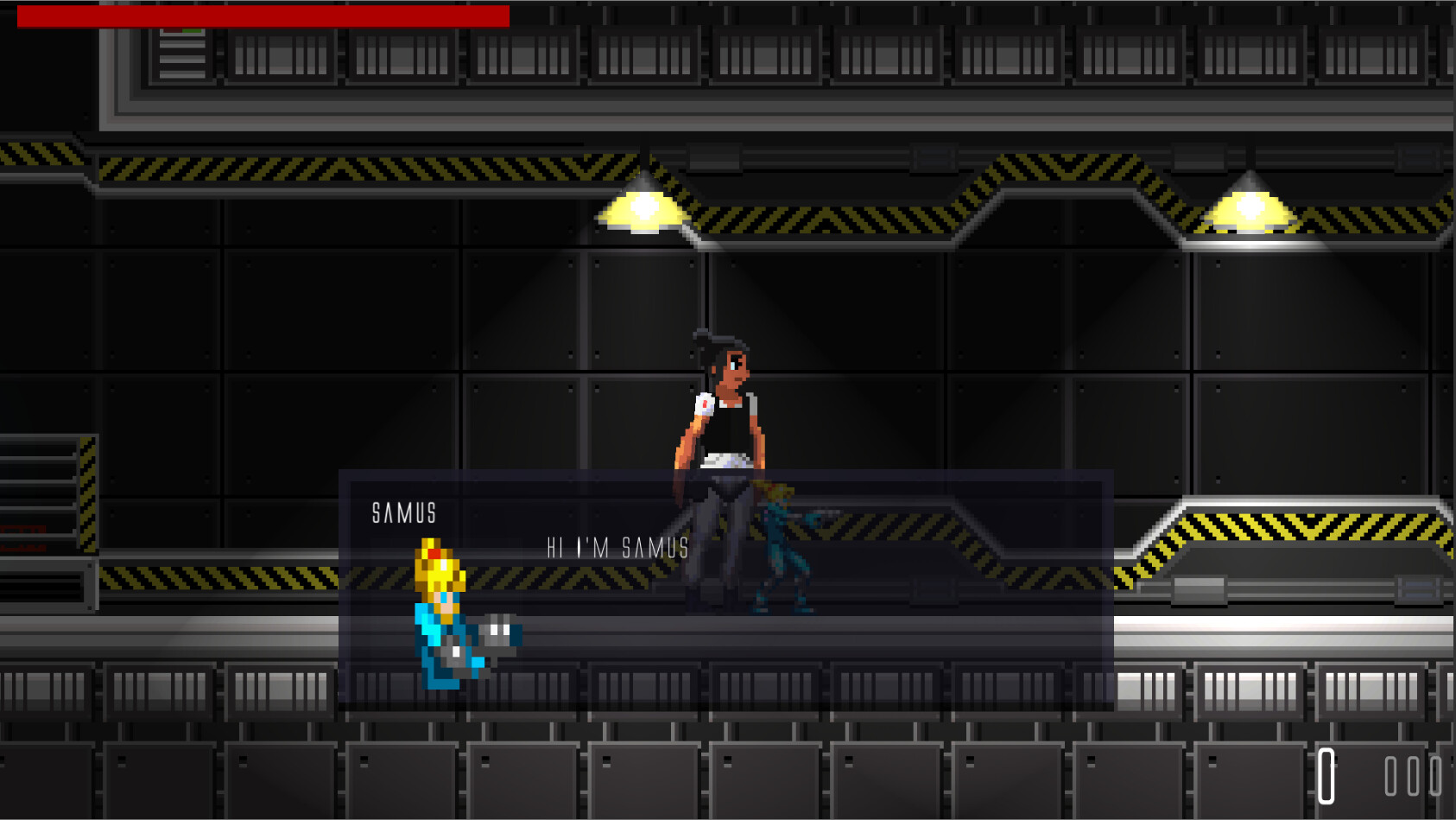
Brian Dialogue running in unity


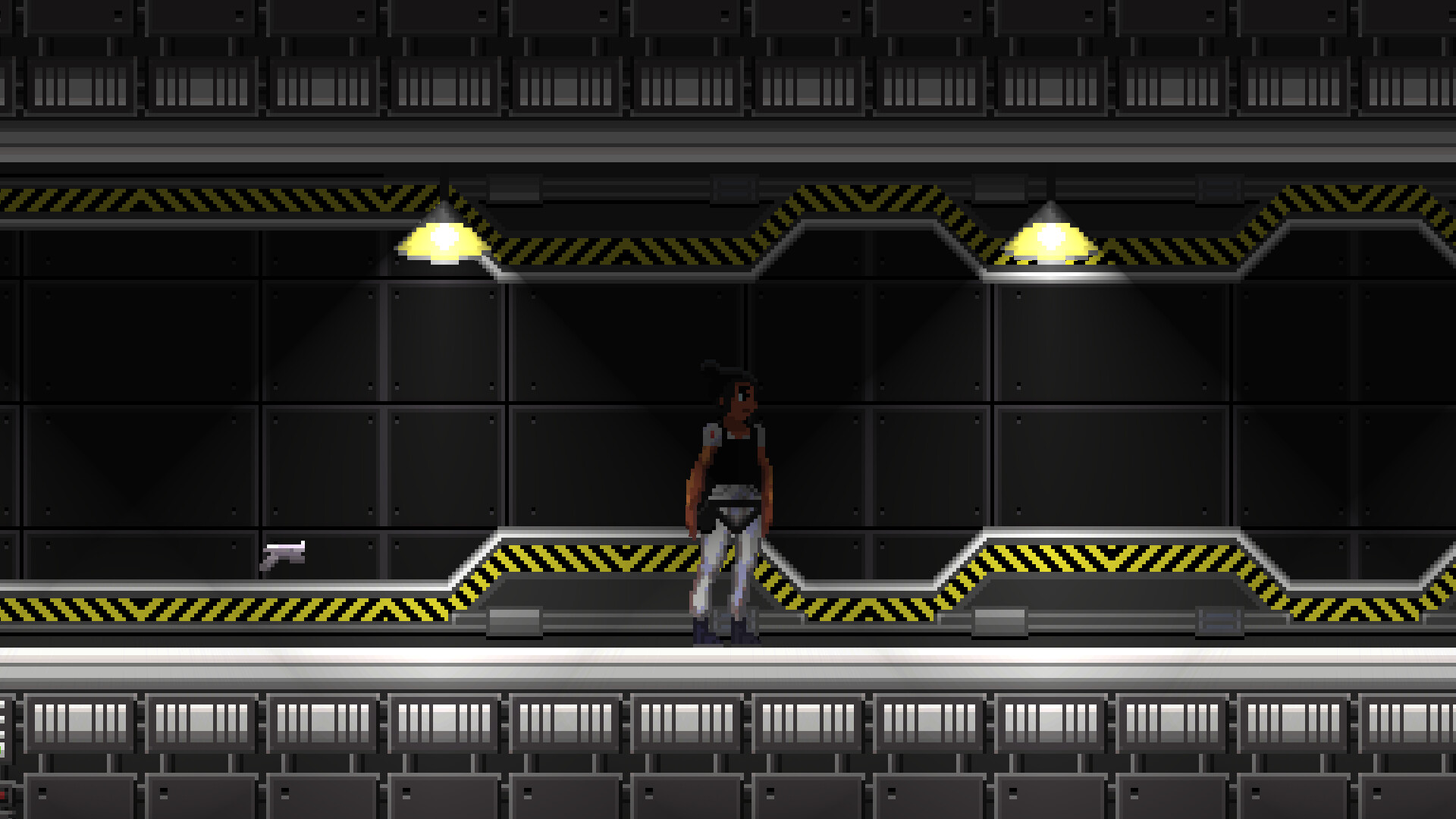
As you might have already noticed I have also changed the light settings and lightbox in-gameThis was done to help set the atmosphere for the game. I wanted the game to be unsettling and have an unknown element about itand changing the light was the best way to achieve this. Now it's less of a fast-paced platformer and more like a survival game where your every move matters. You don't know if an enemy is lurking around the next corner or not. I want players to think about their actions and really feel like they're really Atlas surviving on the ship.
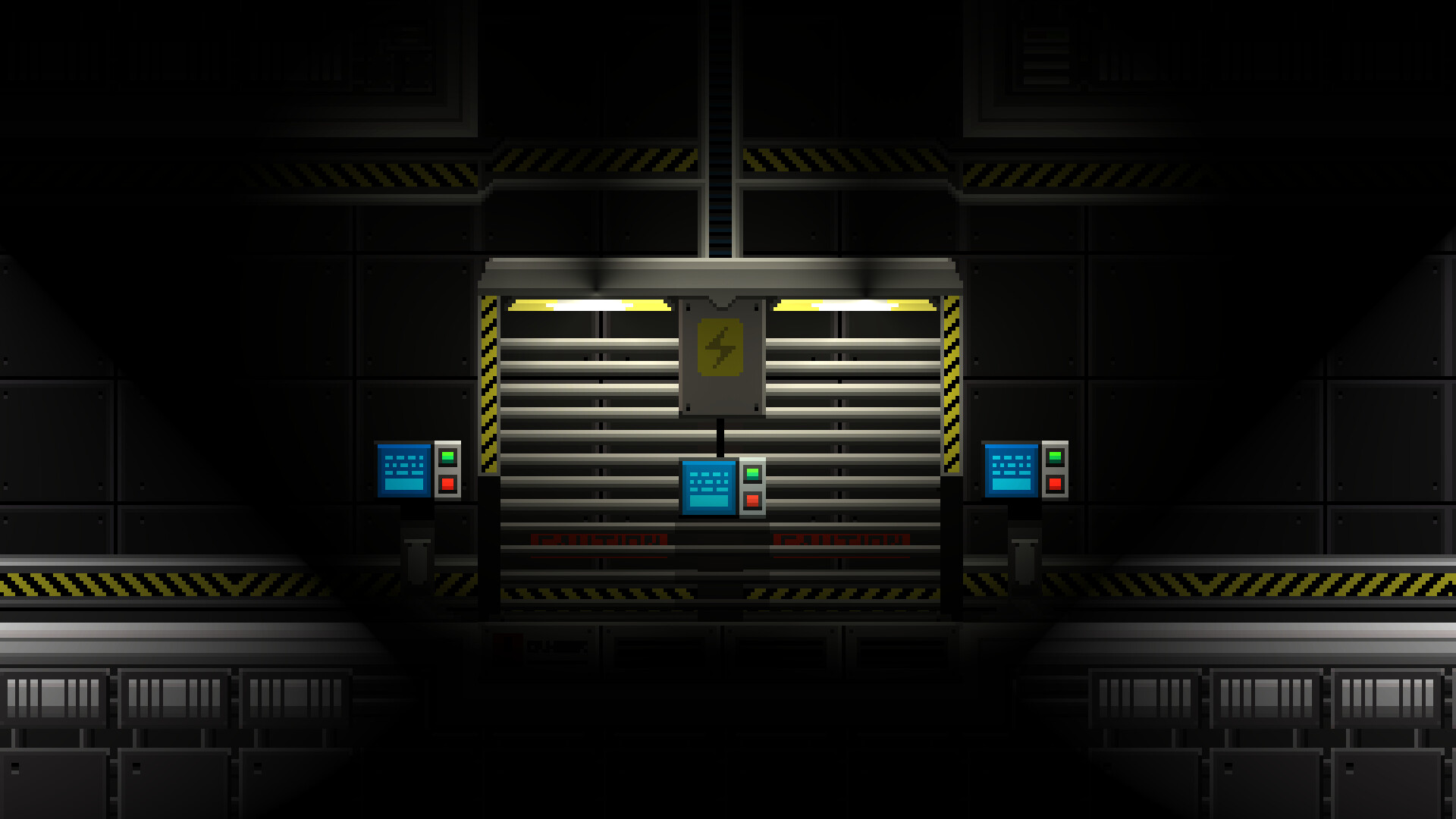

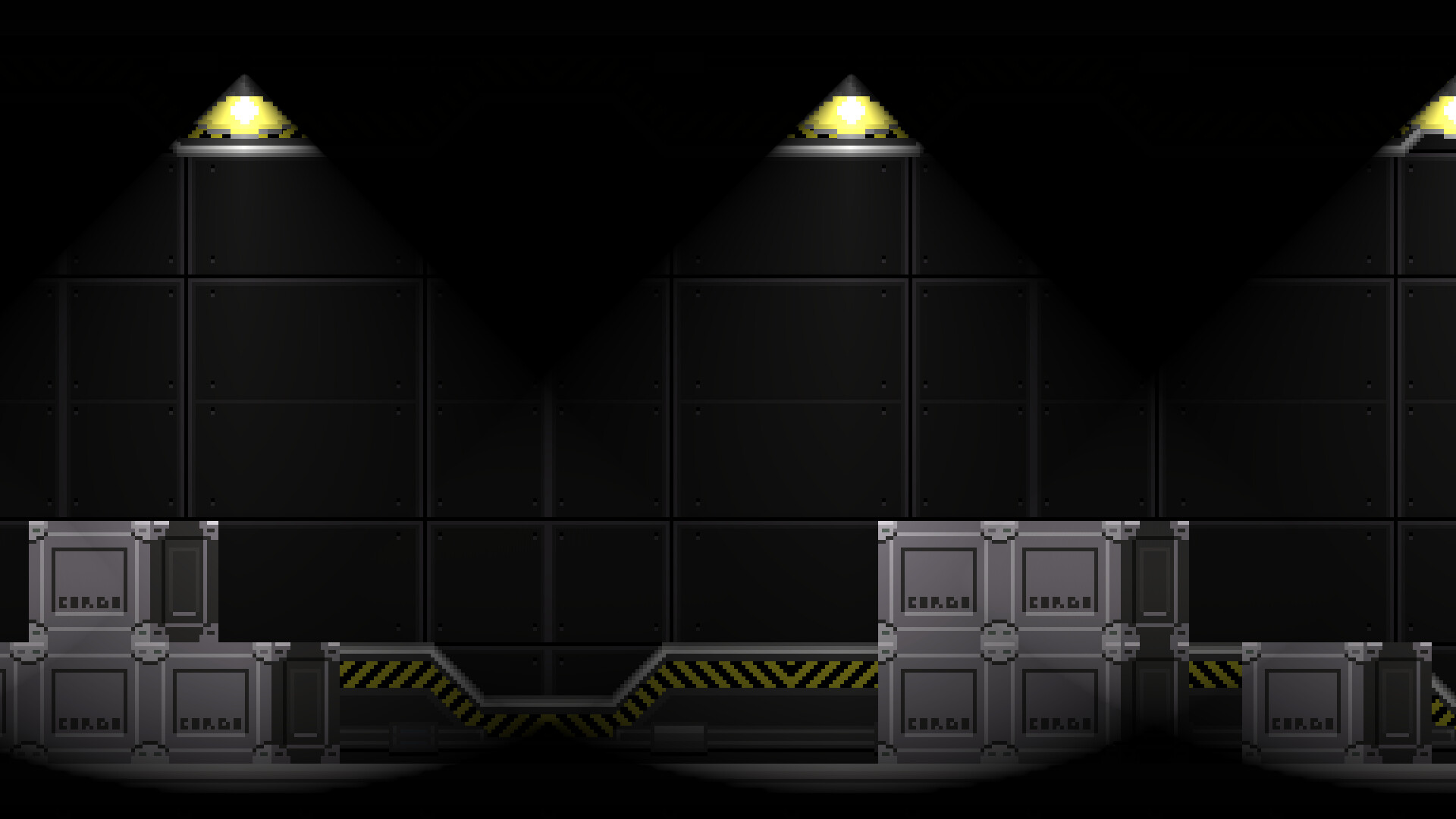


I still am tweaking the settings, so this will change again but as of right now am happy with it. My only complaint is that the floodlights are a bit harsh, but they tend to be like that in real life so I might not change it. I just think that the lights have very sharp edges.


What to expect

I have begun work on the medical bay layout and assets, and I plan on posting stuff about that in a few days. I also am wrapping up and polishing Atlas. Once all of her animations and code have been finished I can really get started on some core mechanics of the game. I have been learning how to use some of the new 2D stuff unity has so It's going to look awesome. 

Tweets of progress will also resume soon so be sure to follow if you wanna see sneak peeks of what I am making at that moment. 

Follow here: https://twitter.com/Howwise_

Also, look under the #projectSLgame to find any post on the game.

Until then thanks for reading and have a nice day :) 

-Howwise
Report

[Metroidvania Project] Main Character Animations 2

General / 18 March 2020


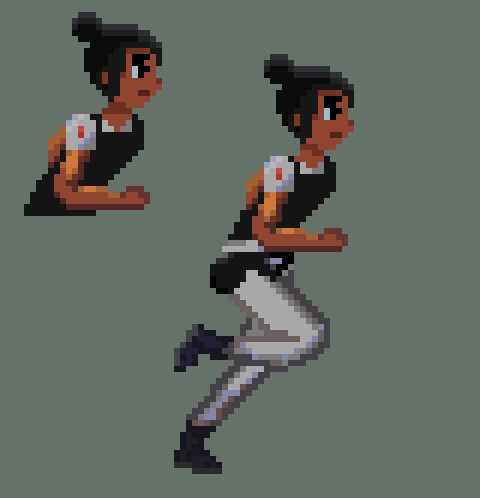
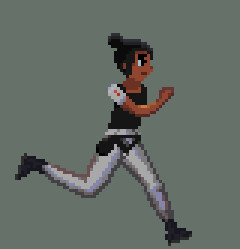
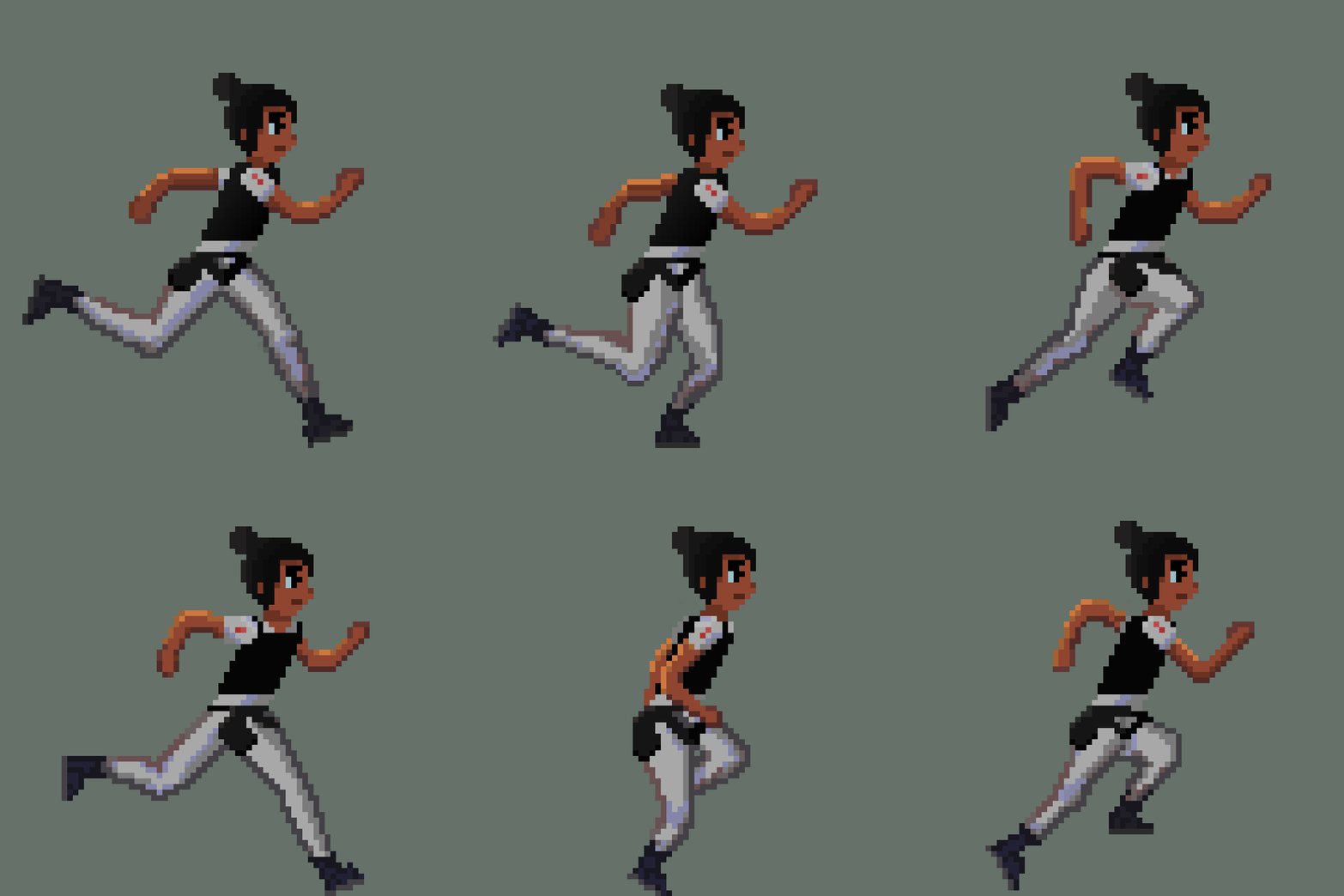
The final version of atlas' run cycle


I have finally gotten to the point where I am satisfied with the running animation of the main character, and I can safely that I have completed the animation. After weeks of working on it, I got it to a point where it looks good and it will work well in-game. I didn't post about the in-between steps of the process, so I plan on making a much longer post about the entire process of creating the animation and the things I have learned. In this post, I mainly wanted to showcase the final version and possibly get some feedback to improve it. I also plan to make a post about implementing it in-game and to show off how it looks in-game as well. But check it out the run animation in detail.


All 8 frames of the cycle


An early version of the third frame that I never shared. This was heavily revamped


I seperated each part so they could be animated independently


Be on the look out for more post soon. I havenit been posting as much I want to, but I plan on changing that soon. Thank you for reading.


-Howard


Report

[Metroidvania Project] Dialogue System / where I've been

General / 26 February 2020

So I ended up breaking my streak and now I have decided to continue from where I left off, but this time around I'm dropping the numbers. Though I didn't post for 12 days, I still worked on stuff and completed some features. I was planning to make a post about the dialogue system on day 6, but I didn't get the system to where I wanted it and before I knew it I ran outta time. Day 7 was extremely busy and I slacked off because I was tired 😅 and it when downhill from there.

But no more excuses, from this point forward I won't break the streak. Heres what want I did over those past days...

I primarily worked on the dialogue system and animations, but today I will cover just the dialogue system, animations will be another day.

I've now finished the dialogue system and I am ready to showcase it.


Here is a video showcasing the system in action captured directly from the game engine.


Here is the dialogue box itself. You can't really see it here, but It's slightly transparent so that it does obstruct too much of the view when the player starts talking with an NPC.


Heres A capture of the dialogue box itself in the unity scene. You can see the transparency of it here very well. This will be helpful so that a small enemy won't be able to sneak up on you while dialogue is on the screen.


A quick sketch I made of the overall UI layout. I planned out where the dialogue box would go in the UI canvas.


I just primarily wanted to showcase the art aspects and progress I'm making with the game in this post of the dialogue system. I decided now to go into how I made it and the system behind it. Tomorrow I plan on making a post about the main character's animations. Very soon she won't be sliding around the floor lol. Check back tomorrow for that. 

Thanks for reading,

-Howard


Report

[Metroidvania Project] Hangar Art Showcase

General / 14 February 2020

Today was a very hectic and busy day so I didn't get to work on anything, unfortunately :( But I realized that I never shared some of the artwork I made of the hangar a while back, so enjoy these :)


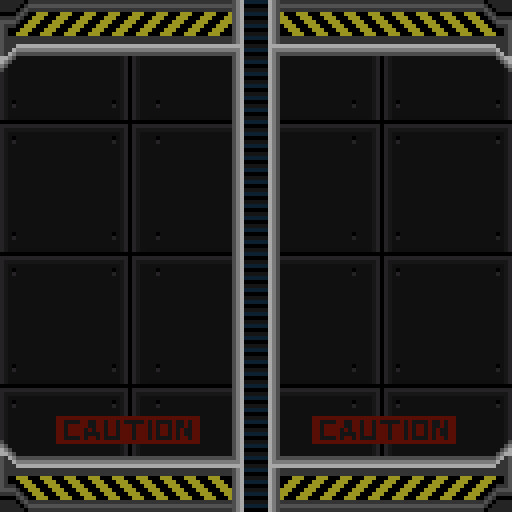
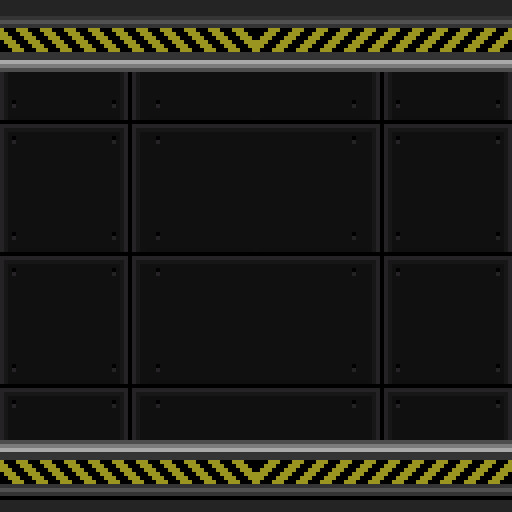
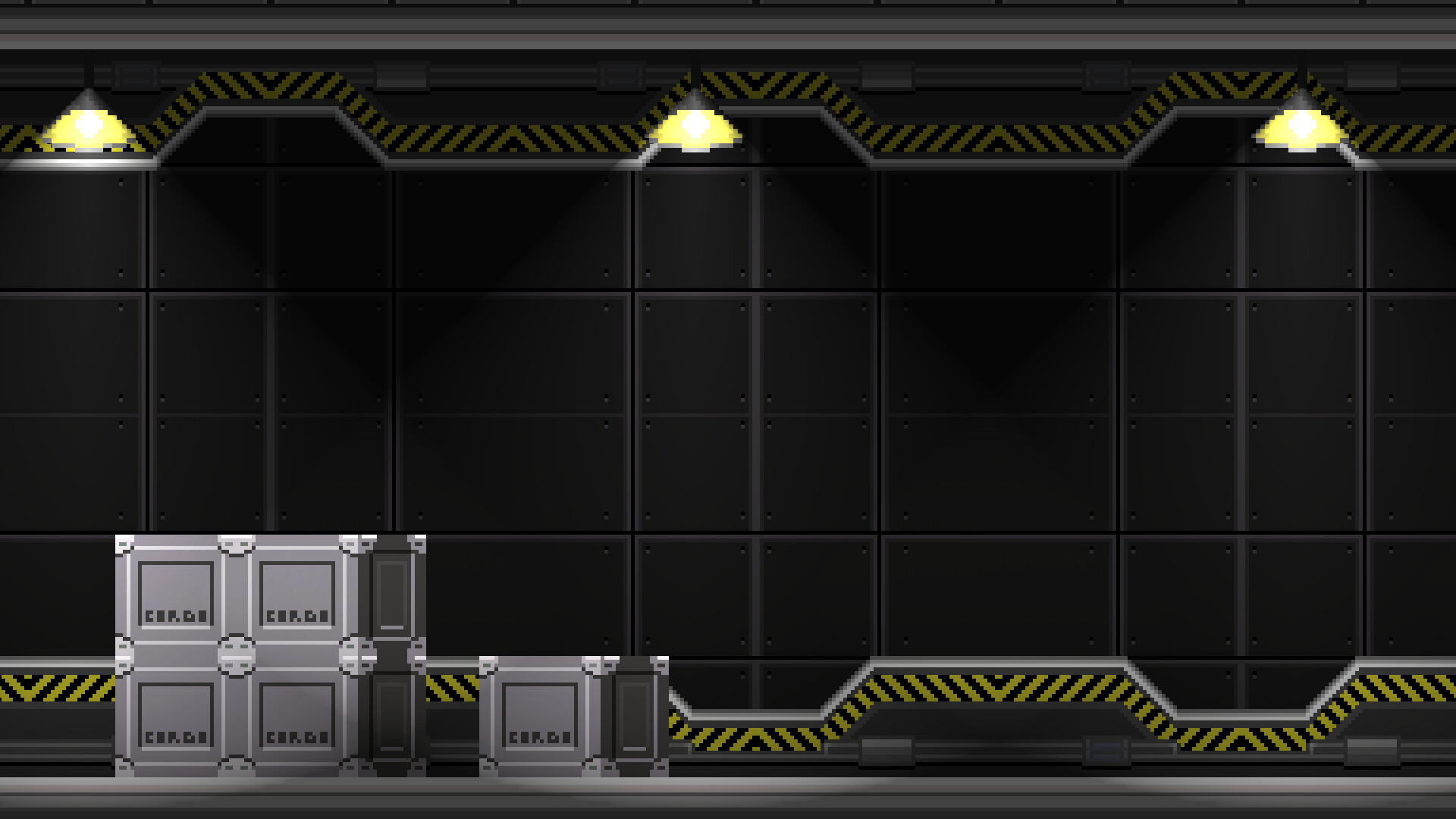
Each wall was designed in a way where they could be separated into tiles and place in a unity scene. They perfectly split into tiles of 32x32.


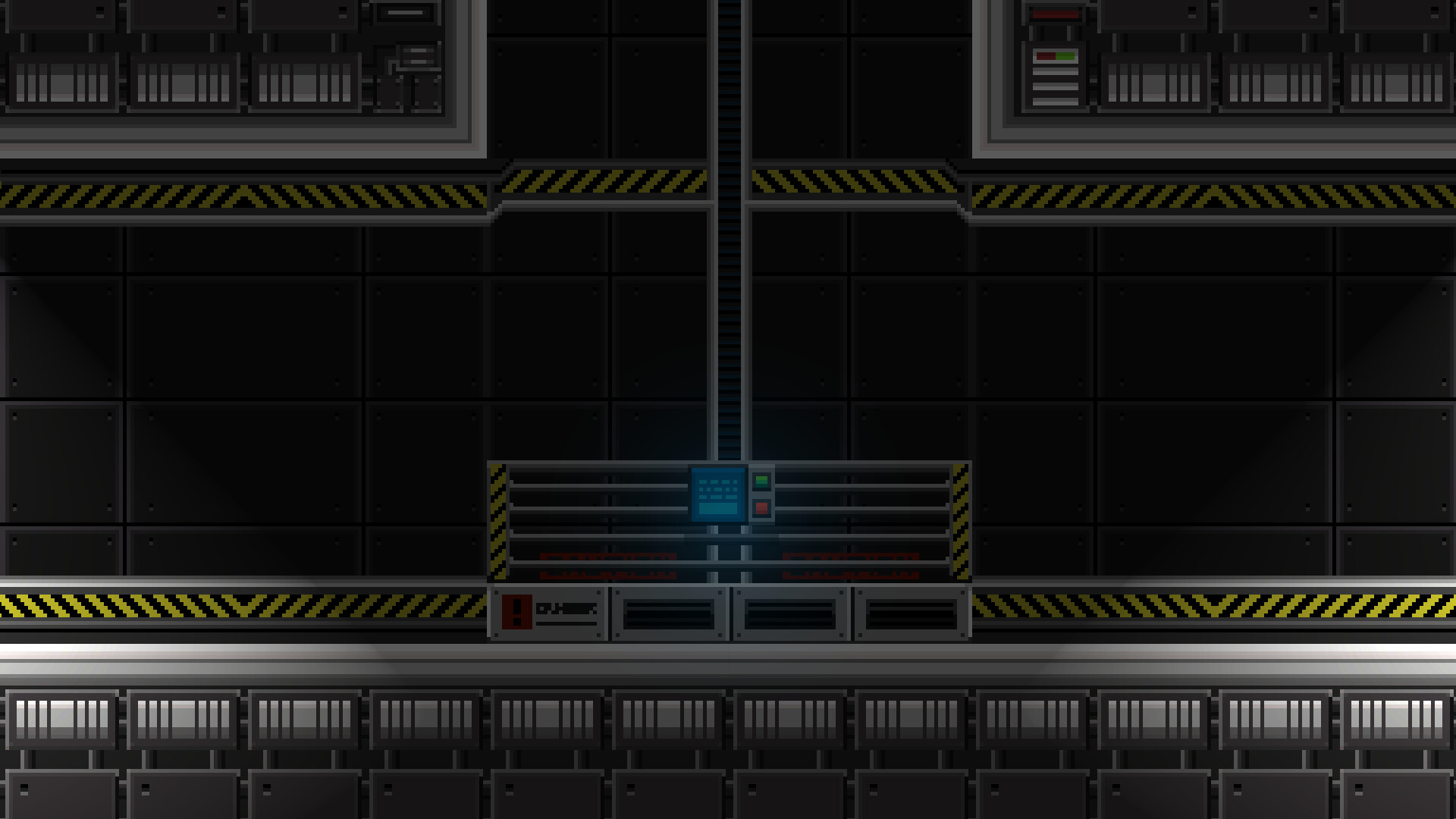
This is "lift" track background. It has caution signs in red on the sides to warn people below the lift.


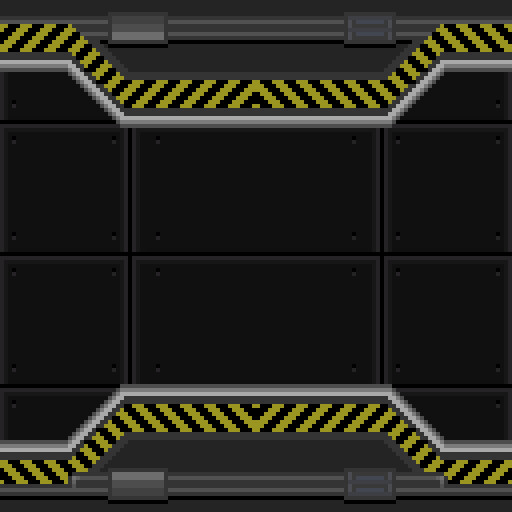
This tile is a straight continuation of the warning lines. It used to connect the regular hangar tiles to other tiles and for transitions into other areas. Its referred to as an alternate hangar tile


Here are the lift and alt hangar tiles in action


this is the default hangar tile use for basic hangar areas


Here are the default tiles in action.


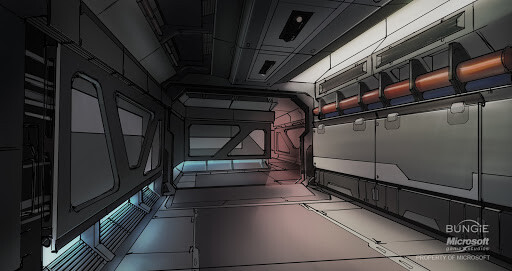
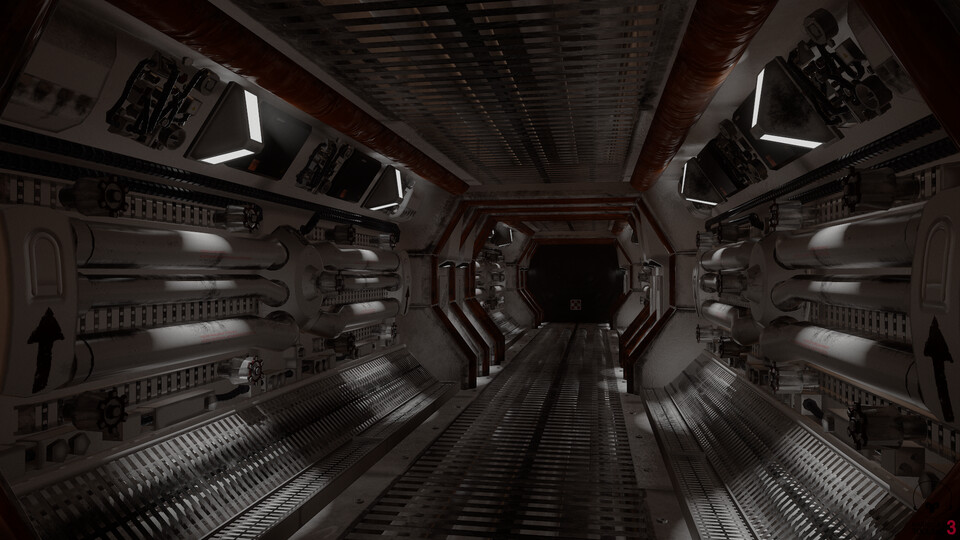
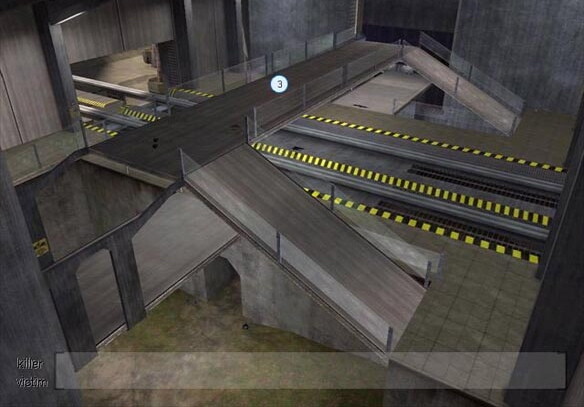
I was heavily inspired by the halo and the alien isolation games and alien films. I the screenshot I've showcased so far are only hallways used to navigate the large hanger with multiple floors. The yellow and black just lets you know you are in a hangar space where work is going on. The ship is so big and the hangar takes up so much space, they needed a way to indicate that you're in a hangar zone and to proceed with caution. This is important because a large number of people on the ship along with some of them being children. 


These are some of the scenes and images that inspired me to create the current hangar tile design. These are a bit more complex in design, I still was able to learn from and adapt certain aspects of there designs into mine. 


The actual main hangar will be huge and filled with ships and cargo. There will also be smaller and closed off areas in the hangar. I plan on making and a map and drawing up where everything is going to go in the game space. I plan on creating more assets to add more detail and style to the hangar. I also plan to give the main area parallax and add objects in the background. I have a lot planned, I just need to map out and plan where exactly everything will go inside unity.


This is a more accurate version of the size of the hangar. I made this room when messing with how bigger areas would look with the tiles. The final one will be much more detailed and have more going on than this dull and plain version.


With this post, I hope you were able to get a better understand of my creative thought process and learn more about the game and its art direction.  Y̶o̶u̶ ̶a̶l̶s̶o̶ ̶g̶o̶t̶ ̶t̶o̶ ̶s̶e̶e̶ ̶h̶o̶w̶ ̶m̶u̶c̶h̶ ̶t̶h̶o̶u̶g̶h̶t̶ ̶I̶ ̶p̶u̶t̶ ̶i̶n̶t̶o̶ ̶w̶h̶a̶t̶ ̶i̶s̶ ̶a̶r̶g̶u̶a̶b̶l̶y̶ ̶j̶u̶s̶t̶ ̶b̶a̶c̶k̶g̶r̶o̶u̶n̶d̶s̶ ̶a̶n̶d̶ ̶h̶o̶w̶ ̶I̶ ̶j̶u̶s̶t̶ ̶r̶a̶m̶b̶l̶e̶ ̶o̶n̶ ̶a̶n̶d̶ ̶o̶n̶ ̶a̶b̶o̶u̶t̶ ̶a̶r̶t̶ ̶a̶n̶d̶ ̶g̶a̶m̶e̶s̶. Anyways I hope you enjoyed the post. Check back tomorrow for more content :) 


Thanks for reading,

-Howard


Report

Started to Add legs to my 3D model

General / 13 February 2020

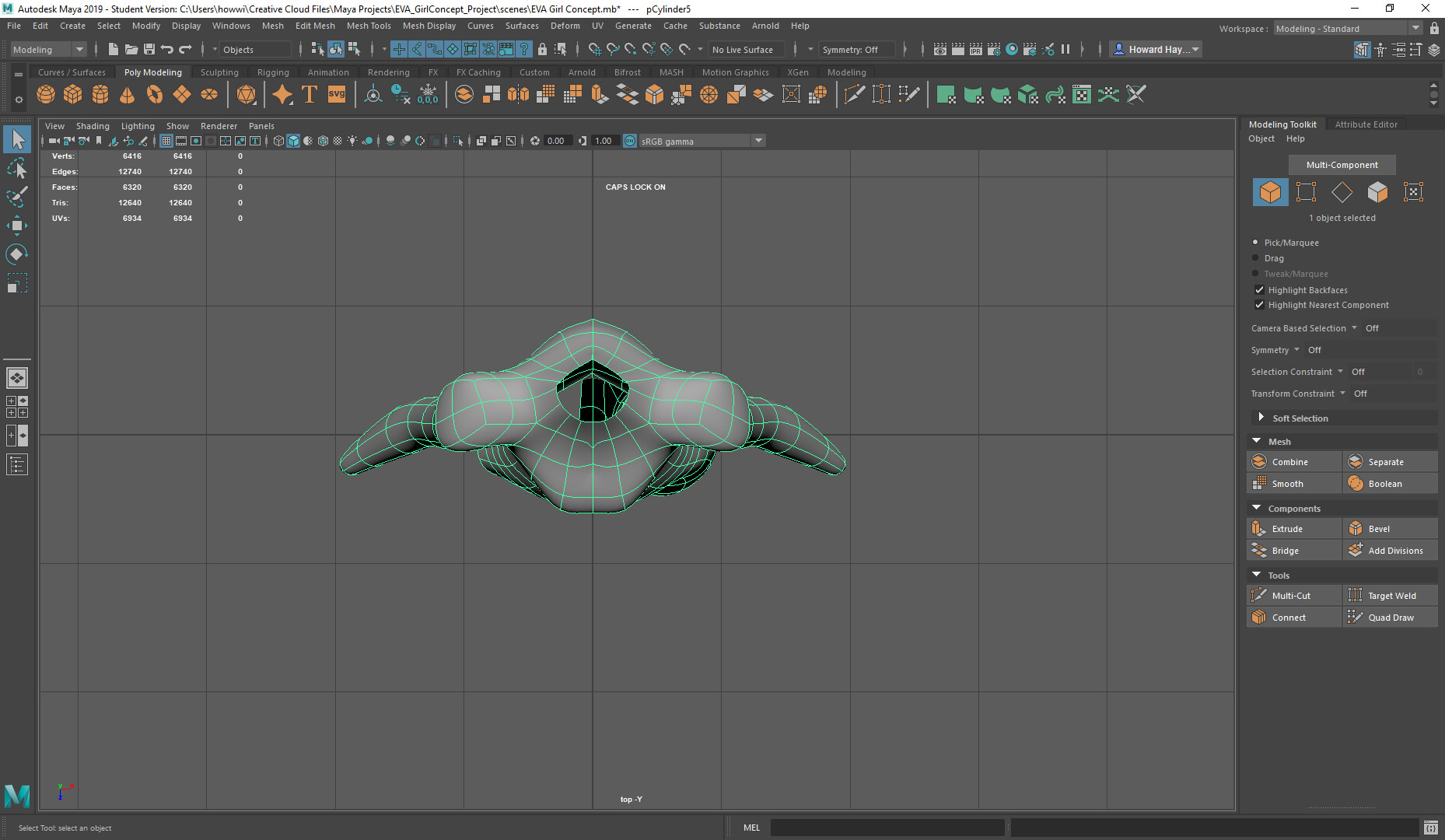
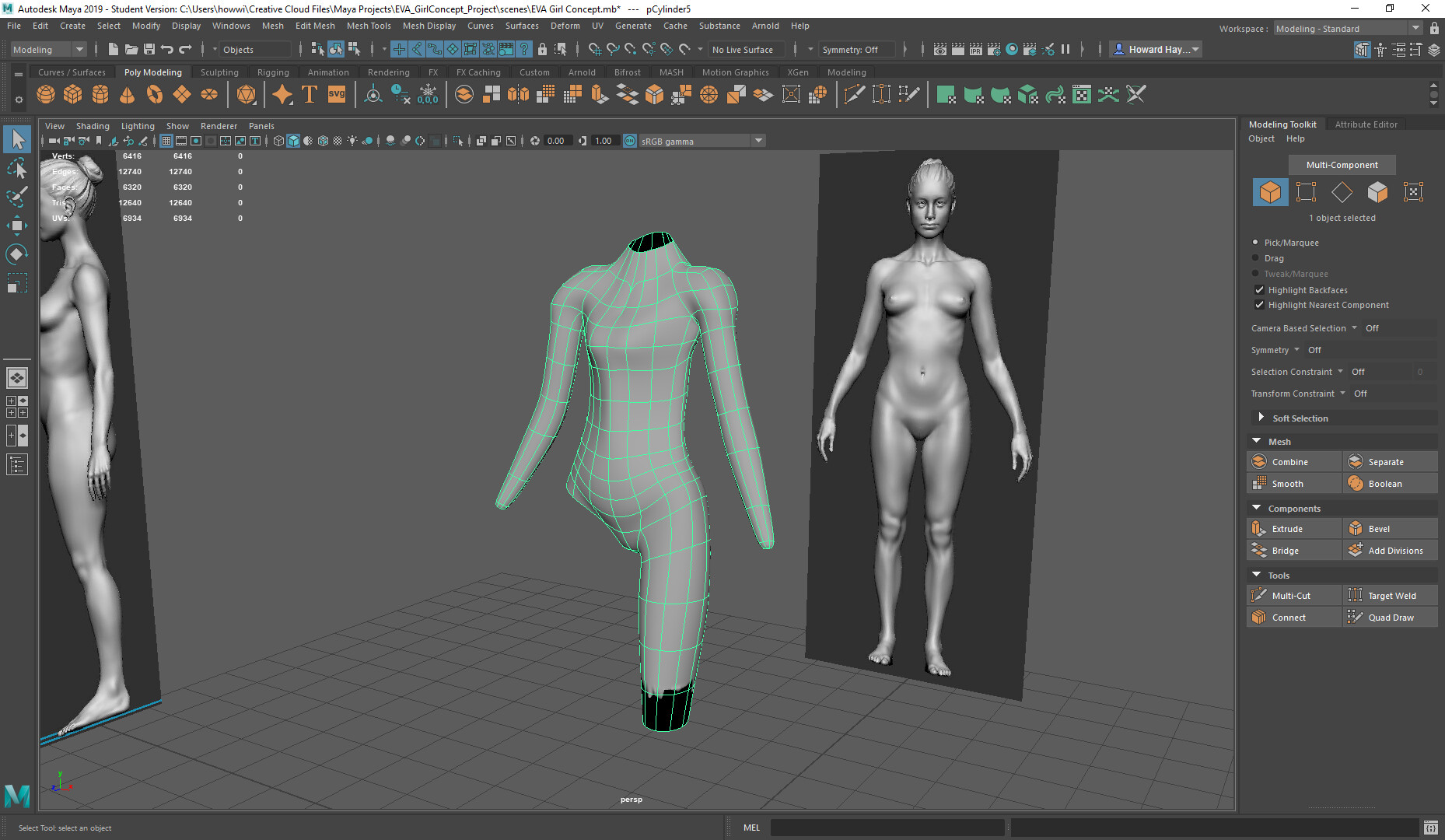
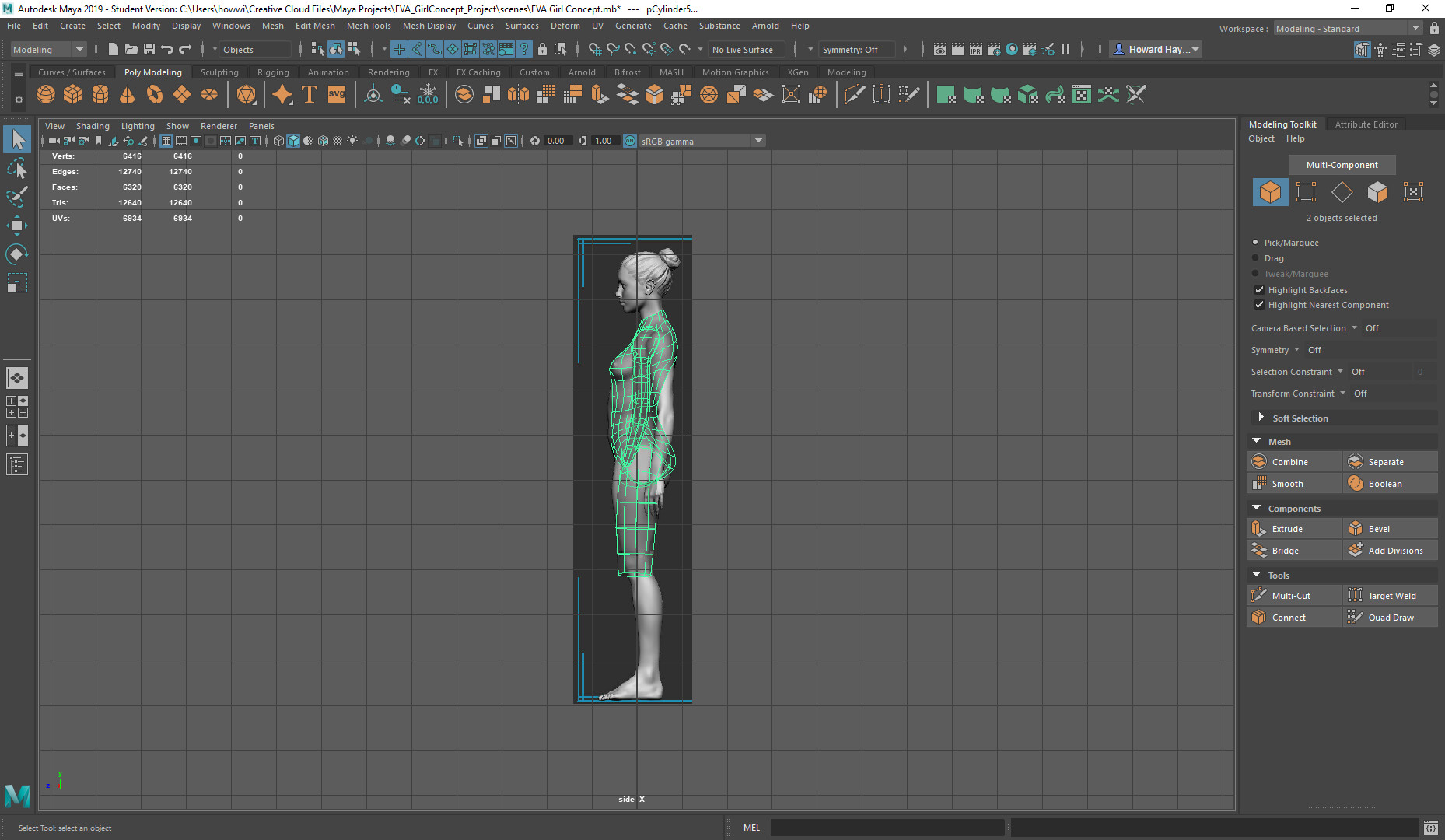
Today was a busy day so I wasn't able to work on a lot of stuff so this will be a short post, but I took a break from working on my Metroidvania and resumed work on my 3D model. I'm learning 3D modeling with Maya 2020 by following a course on Udemy. Due to me being new with 3D modeling plus following course progress is slow but its still progress. Overall I'm still in the early stages of the model but I happy with how it looks so far.


I can't wait to finish it!

-Howard

Report

[Metroidvania Project] Working on character animations

General / 12 February 2020

Today I spent time working on animations for the main character of the game. I am still kinda new to pixel art and very new to animation so it has been a long and hard process of trial and error. But each time I make a new piece I get better and better. The more time I spend on it, the better I get. I also can't expect to be the best animator with only a little bit of experience, so it's important for me to be patient with myself.


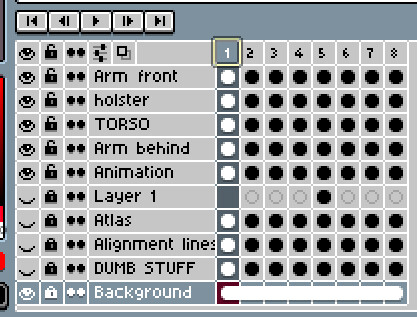
A screenshot of my workspace while creating the first frame of the animation


I good friend of mine recommended that I use a reference of a solid run-cycle animation to help create my own and the results were great. The reference I used was from the Indivisible game which is widely known for its amazing art style and animation. My current animation isn't finished yet and even has some noticeable issues, but having a good reference and A hunger to learning new things about animation really helped create a baseline for my animation. With this first frame, I really wanted to make sure I really nailed the pose so that it is immediately obvious what the player is doing... running. While learning some animation basics, the first thing I learned was the importance of keyframes so I applied this here.


The first frame (WIP)


I will be sure to continue to show off my progress in a later post. Thanks for reading :)

-Howard

Report

[Metroidvania Project] Adding an Inventory system part 2

General / 11 February 2020

Today I spent my time reworking my inventory system and finished the whole thing. As far as visuals go it's pretty much the same, besides icons being the correct size now, but under the hood are some serious improvements. I took the existing system I built with the help of a tutorial and reworked the entire thing to work for my specific needs. Almost no code is left over from the tutorial and is all new code written by me. It was a rigorous process, but I got it done and it works great! 


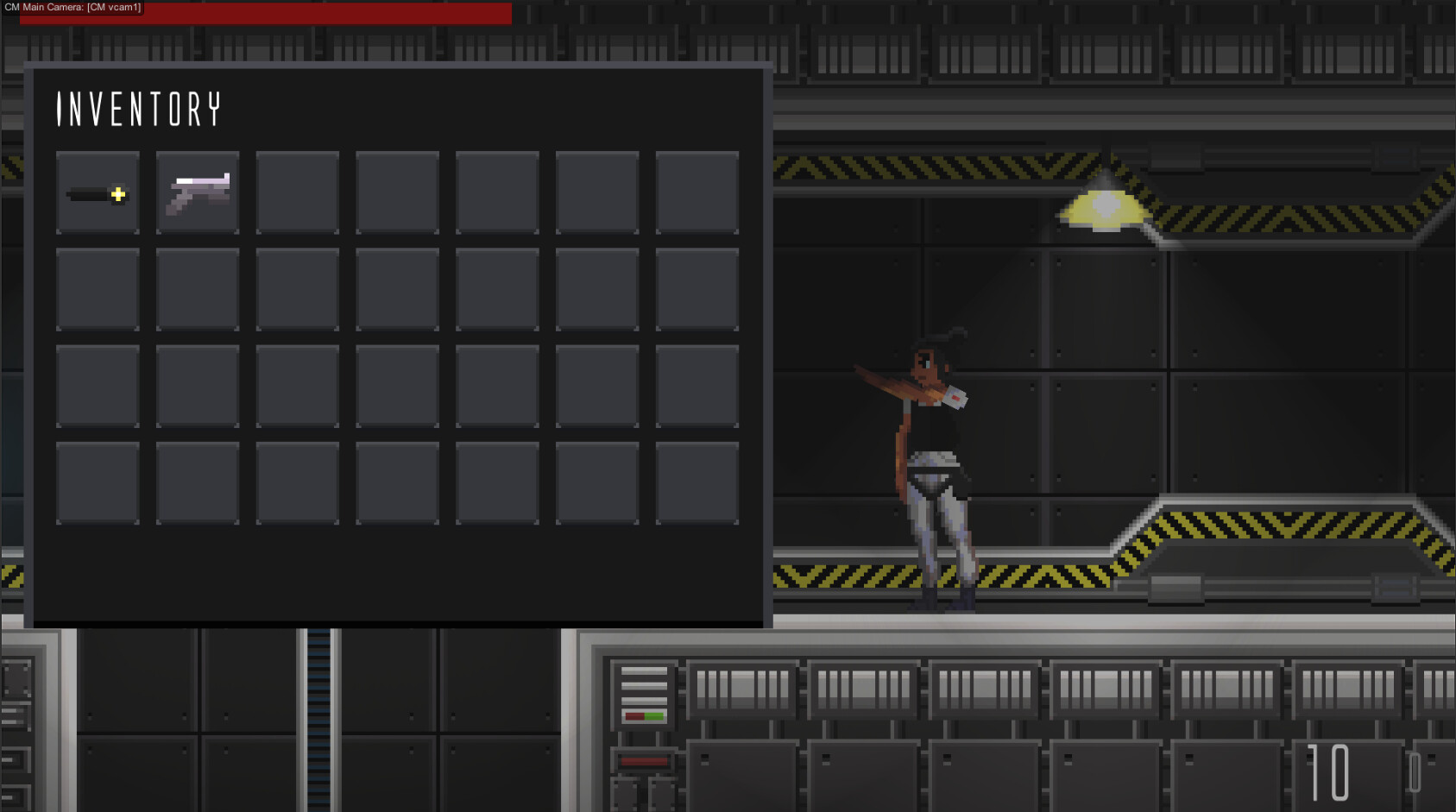
Inventory with items in it (Pistol and flashlight)


I won't go into too much detail on the exact changes I made, but I will say while developing I started with the end goal in mind and used nothing but fundamentals and unity docs to get what I wanted. You might think that an inventory system is super simple but until you build one you'll never realize how complex they can get. If you think about it, inventories are a system the player will use throughout the entirety of the game, so the inventory must be one of the most tested and robust systems in the game. Can't have cool guns and collectibles without a way to store/equip them.


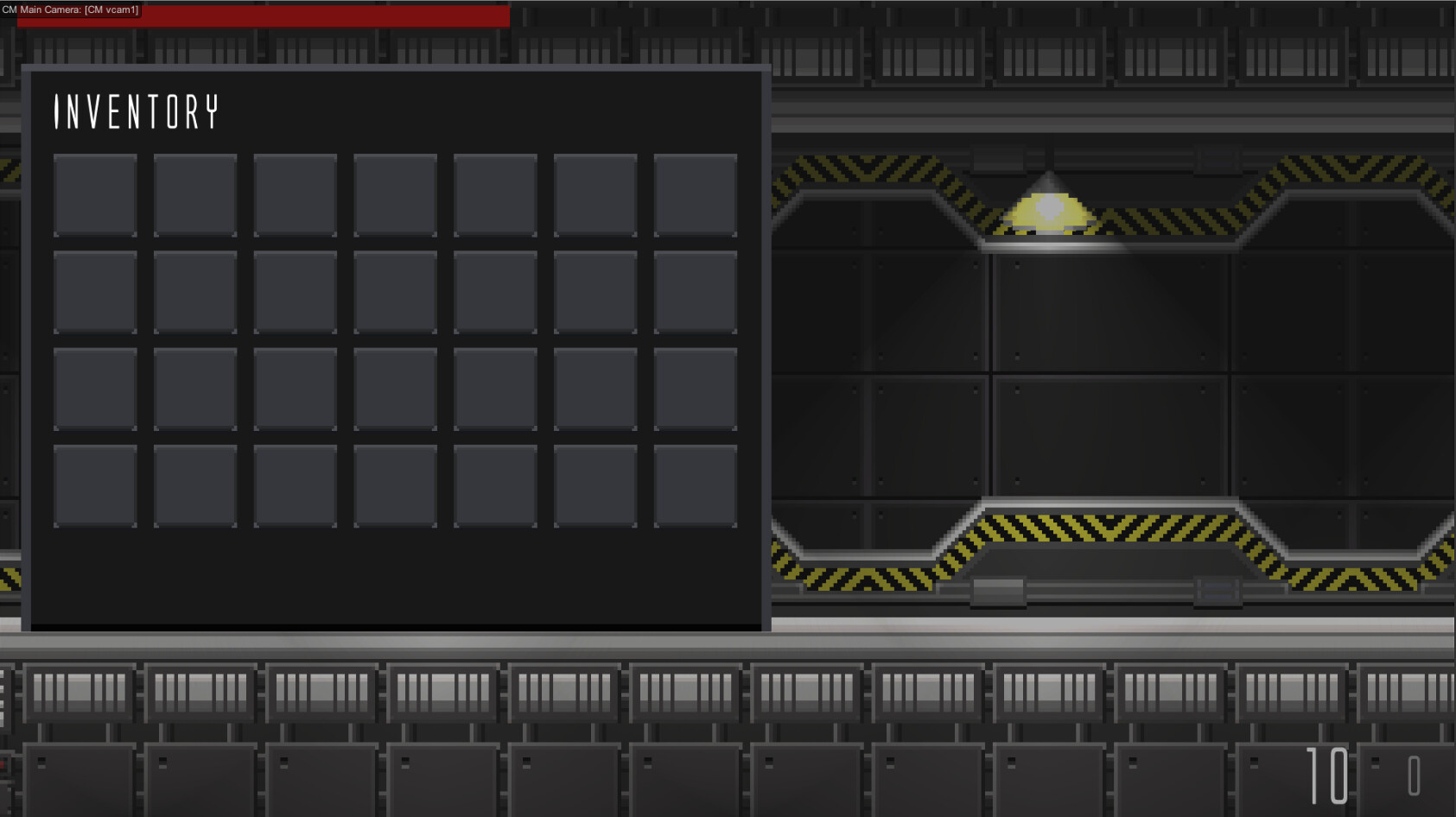
Inventory with no items in it (same thing lol)
  

Check out a video of the inventory functionality in action


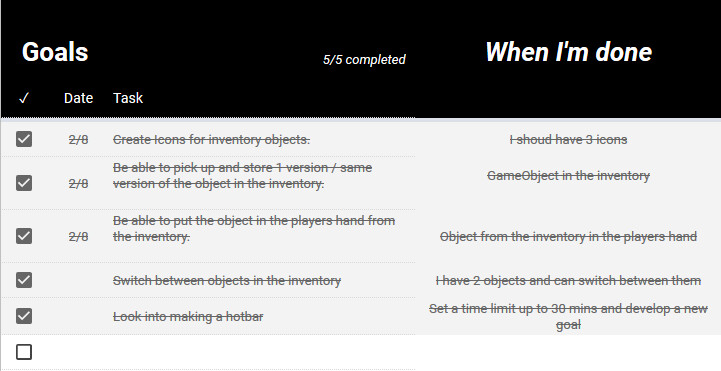
Nothing feels better than completing a list of tasks


While my system is currently very sound I still have a lot of things to add like a Hotbar system, movable/sortable tiles, saving inventory, highlighted tiles and many more. So I've barely scratched the surface, but I am excited to add more. I will be sure to add another part to this once I add more to the inventory and maybe even make a tutorial when I'm finished. When I first started making an inventory it was hard finding a good tutorial, so maybe I can make one of my own. If anyone who reads this is interested in that please let me know. 


Also, this post marks the second day of me posting a blog every day, so be sure to check back tomorrow for more game dev content.


Thanks for reading :)

Report

[Metroidvania Project] Larch Enemy (WIP)

General / 30 January 2020

I've recently been working on a demo build of my game so I made the first common enemy in the game.

Larches are a spider/leech-like enemy that can crawl on the ground, wall, and ceiling and will leap at its prey to attack. They usually appear in groups and hide in dark areas on the map. They sit in the dark and wait for their prey, so they can attack when they least expect it. They attack in this manner because, while they're fast and agile, they lack strength and can not take unnecessary hits.

Inside of the game these enemies spawn in dark areas and will be extremely common. Think Mario bros goombas but deadlier. By themselves, they don't do much, but they become a worthy opponent when they attack in a group.


Larches Idle animation concept (WIP)


Larches walking animation concept (WIP)


I plan on creating death, attack, hurt animation very soon. I will post those when they're completed.

Report